Av: Aperture-Priority
AE
• If the
"30""
shutter speed blinks. it indicates
underexposure.
Turn the
<B>
dial to
set
a larger aperture (smaller
f/number) until the blinking stops
or
set
a higher ISO
speed.
• If the "8000" shutter speed blinks, it indicates
overexposure.
Turn the
<E&> dial to set a smaller aperture (larger
f/number) until the blinking stops
or
set a
lower
ISO
speed.
71~
~It.
~-
-
~
=-,1'1'='
I
~_IU
~
I I
.-. .-. ,-,.-, u...l,
C?
I)
'-'
U
'_I~I
[j
Apertu
re
Display
The
larger
the
f/number,
thesmaHer
the aperture opening will be. The
apertures displayed will differdepending on the lens.
If
no
lens is attached to
the
camera, "00" will be displayed
for
the aperture.
Depth-of-Field Preview"*
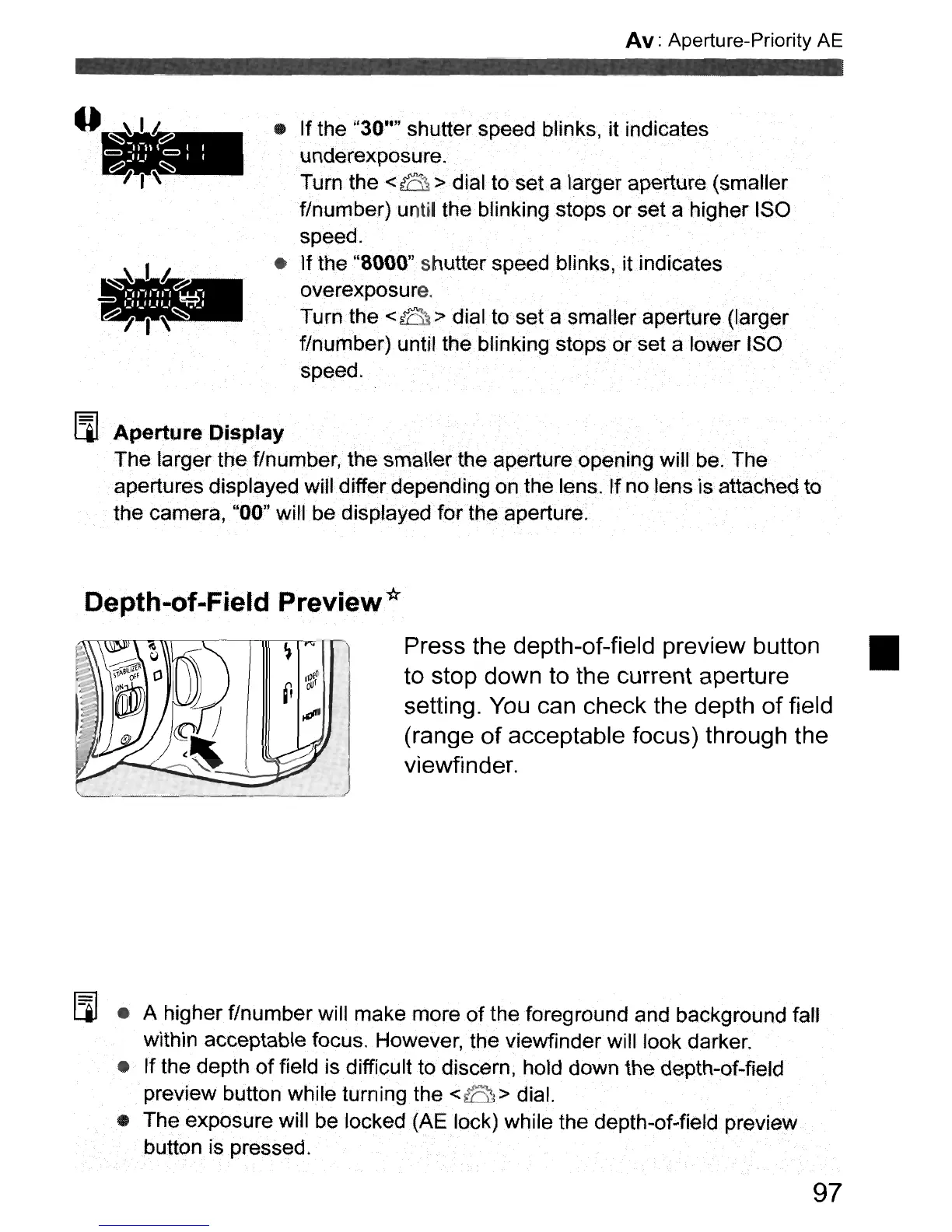
Press the depth-of-field preview button •
to stop down to the current aperture
setting.
You
can check the depth
of
field
(range
of
acceptable focus) through the
viewfinder.
[j
• A higher
f/number
will
make
more
of
the foreground and background fall
within acceptable focus. However, the viewfinder will look
darker
.
•
If
the depth
of
field is difficult to discern, hold down the depth-of-field
preview button while turning the
<8>
dial.
•
The
exposure will be locked (AE lock) while the depth-of-field preview
button is pressed.
97



 To Next Page