.;:~
Registering a Picture Style *
Picture
Style
User
Oef.
1
landscape
o
6.()
O.Jb
a.V
0
~.~~~sl
1,,:.pl
~<~:'LI
f~:'NI ~'~'fl
[!:.~
l-rJ;~!
~
r:Dl
mI8
Detail
set
6
Set
the
parameter.
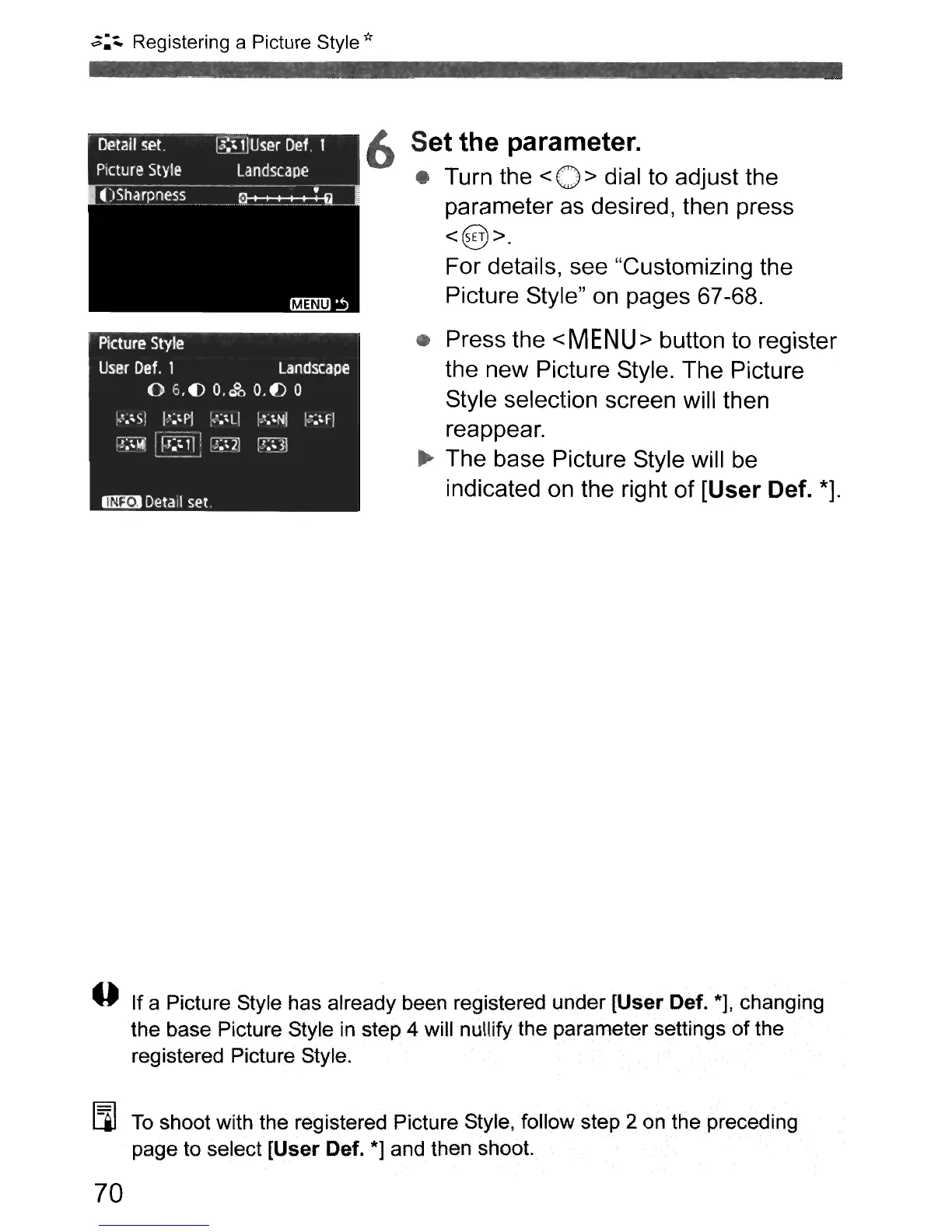
• Turn the < 0 > dial to adjust the
parameter as desired, then press
<@>.
For details, see "Customizing the
Picture Style" on pages 67-68.
• Press the
<
MEN
U> button to register
the new Picture Style. The Picture
Style selection screen will then
reappear.
..
The base Picture Style will
be
indicated on the right
of
[User
Def.
*].
o If a Picture Style has already
been
registered under
[User
Oaf. *], changing
the base Picture Style in step 4 will nullify the parameter settings
of
the
registered Picture Style.
Eil
To
shoot with the registered Picture Style, follow step 2 on
the
preceding
page
to
select
[User
Oef.
*]
and then shoot.
70



 To Next Page