tB Selecting the AF Point*
Select one
of
the nine AF points to autofocus.
In
the Basic Zone and
<
A-DEP
> modes, automatic AF point selection will take effect
automatically.
You
cannot select the AF point.
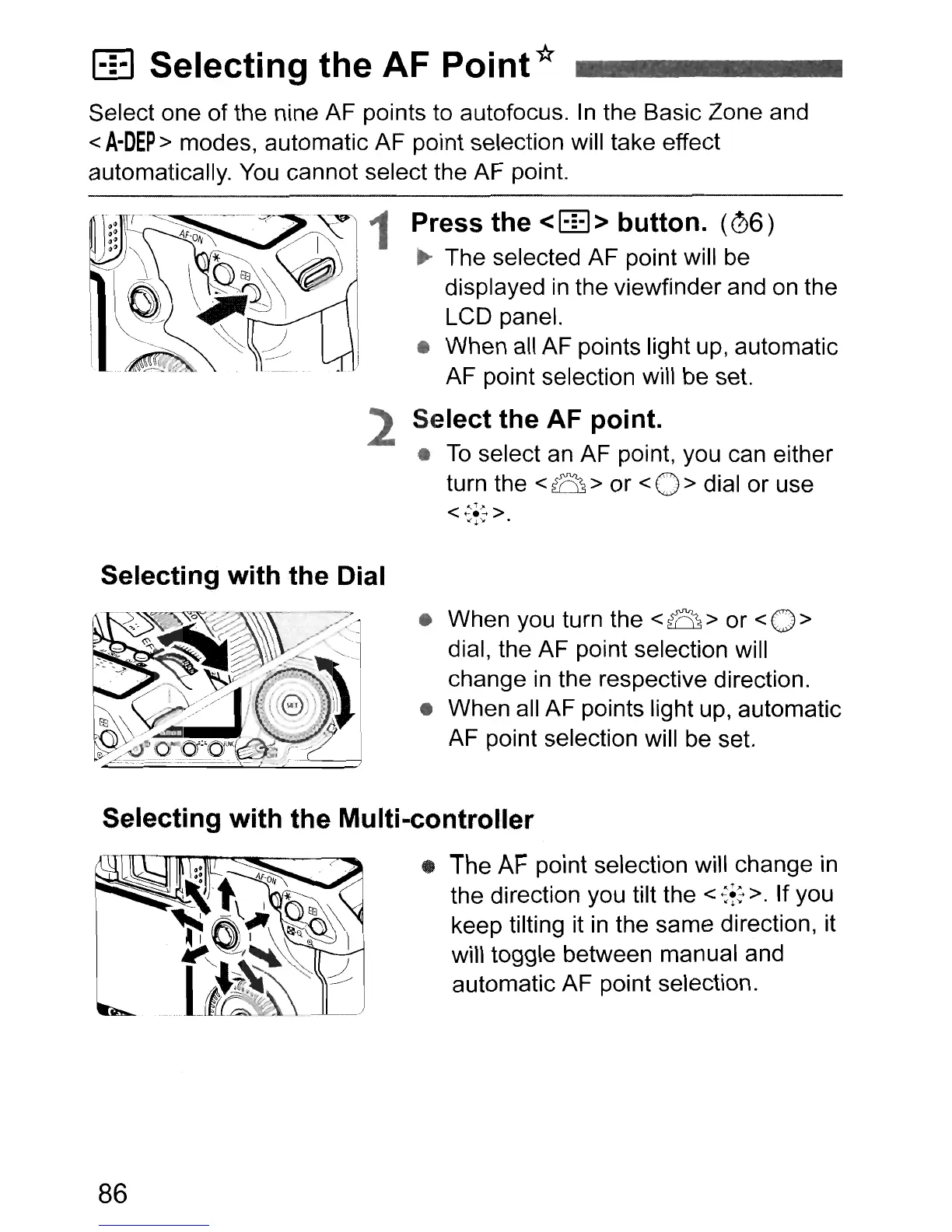
Press the <
B:l>
button.
(06)
~
The selected AF point will be
displayed
in
the viewfinder and
on
the
LCD panel.
• When all AF points light up, automatic
AF point selection will be set.
2 Select the AF point.
•
To
select an AF point, you can either
turn the
<B>
or <0> dial or use
<
:-;~
>
""
.
Selecting with the Dial
• When you turn the
<B>
or
<0>
dial, the AF point selection will
change in the respective direction.
• When all AF points light up, automatic
AF point selection will be set.
Selecting with the Multi-controller
• The
AF
point selection will change in
the direction you tilt the
<
~f:
>. If you
keep tilting it
in
the same direction, it
will toggle between manual and
automatic AF point selection.
86



 To Next Page