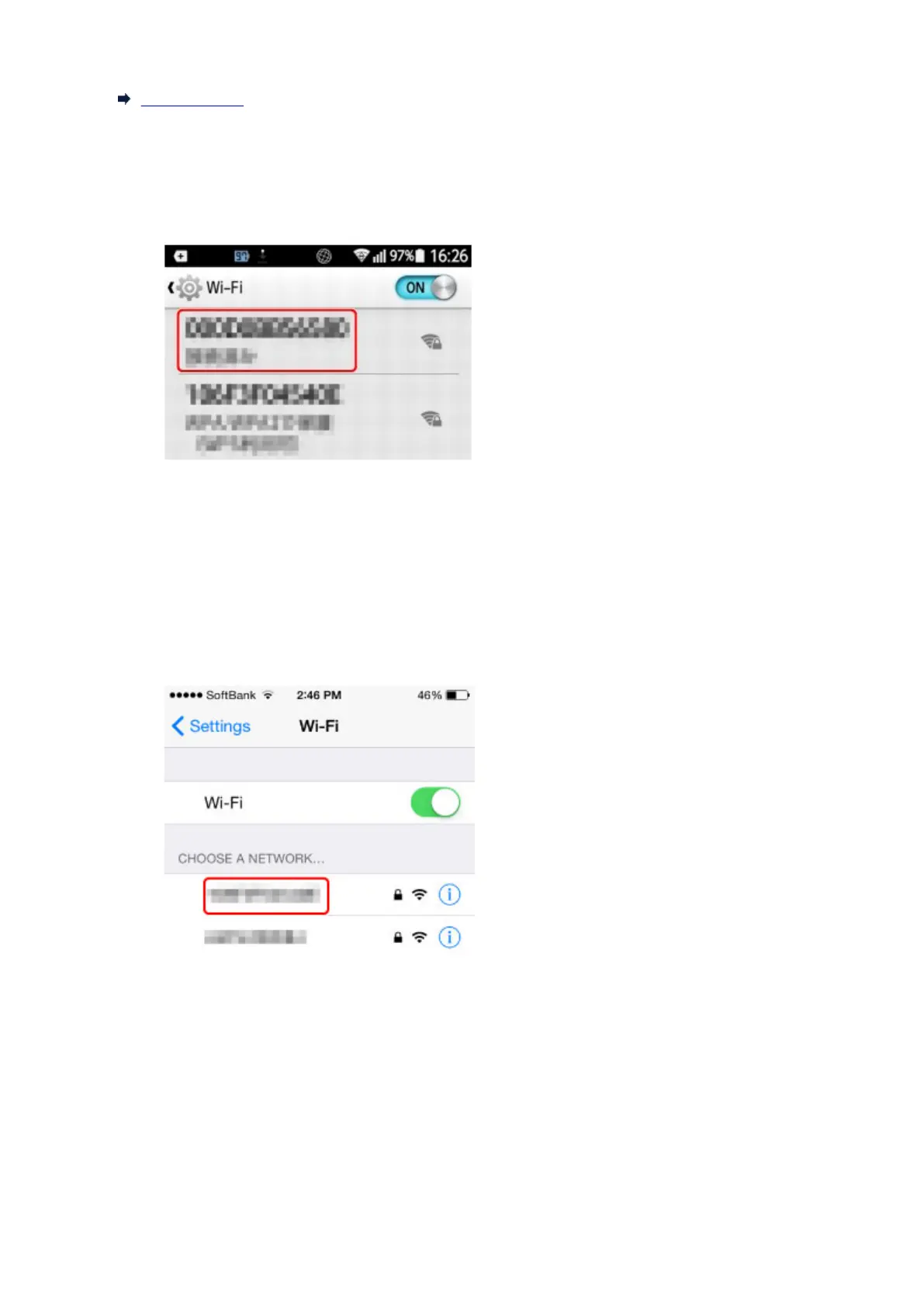
For iOS device
• For Android device
1. Open "Settings" menu on your device.
2. Enable "Wi-Fi".
3. Select wireless router SSID you use from detected device list.
4. Enter wireless LAN router password.
Your device is connected to the printer.
5. Start printing from application.
• For iOS device
1. Open "Settings" menu on your device.
2. Enable "Wi-Fi".
3. Select wireless router SSID you use from detected device list.
4. Enter wireless LAN router password.
Your device is connected to the printer.
5. Start printing from application.
304






 To Next Page