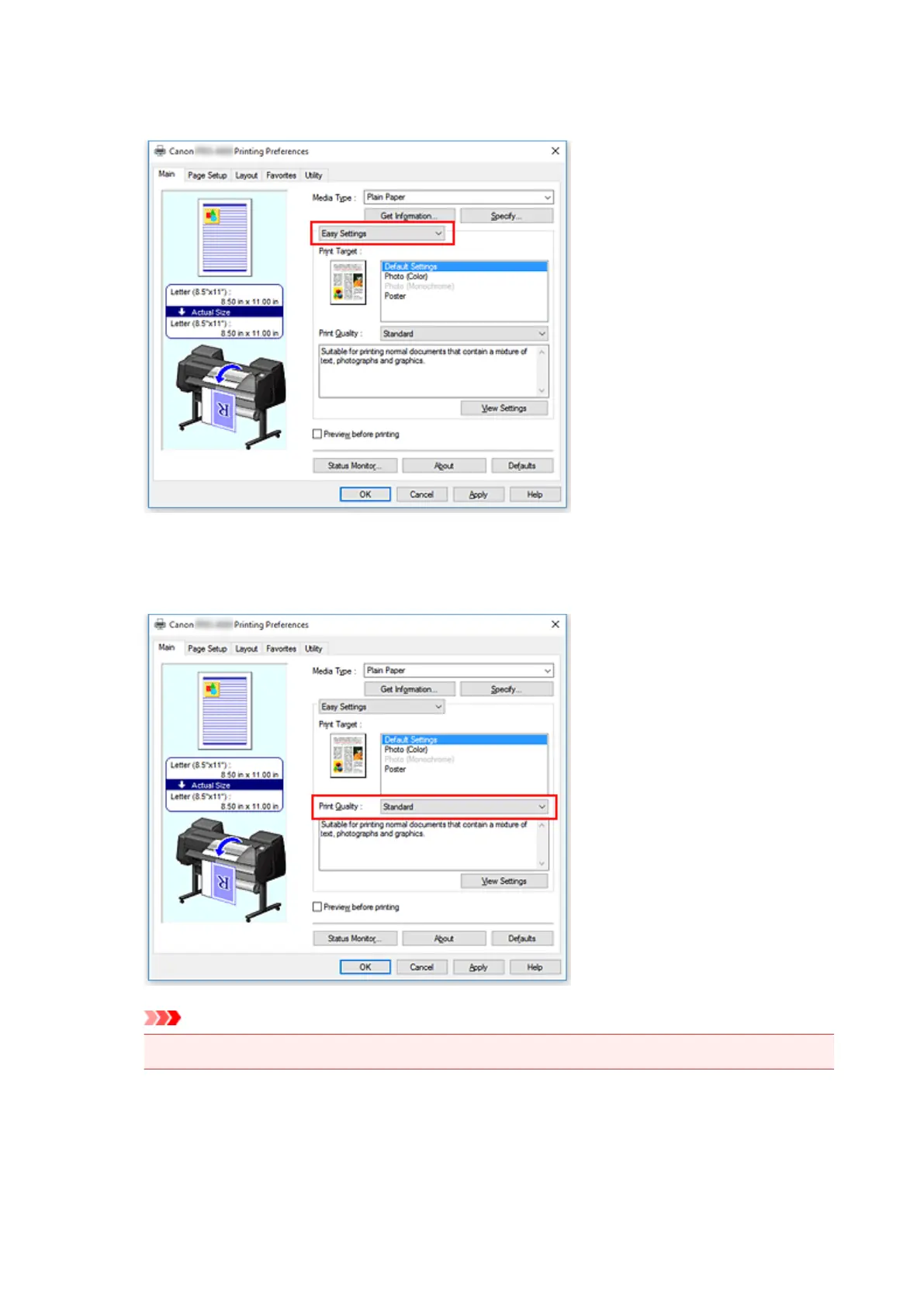
From the pull-down menu, select Easy Settings, and then select the setting that matches your
purpose from the Print Target list.
6.
Select the print quality
For Print Quality, select Highest, High or Standard according to your purpose.
Important
•
The print quality settings that can be selected may differ depending on a printing profile.
7. Select the paper size
From the Page Size list on the Page Setup tab, select the same size as that of the document that was
created with the application software.
462


 To Next Page
 Loading...








