8.
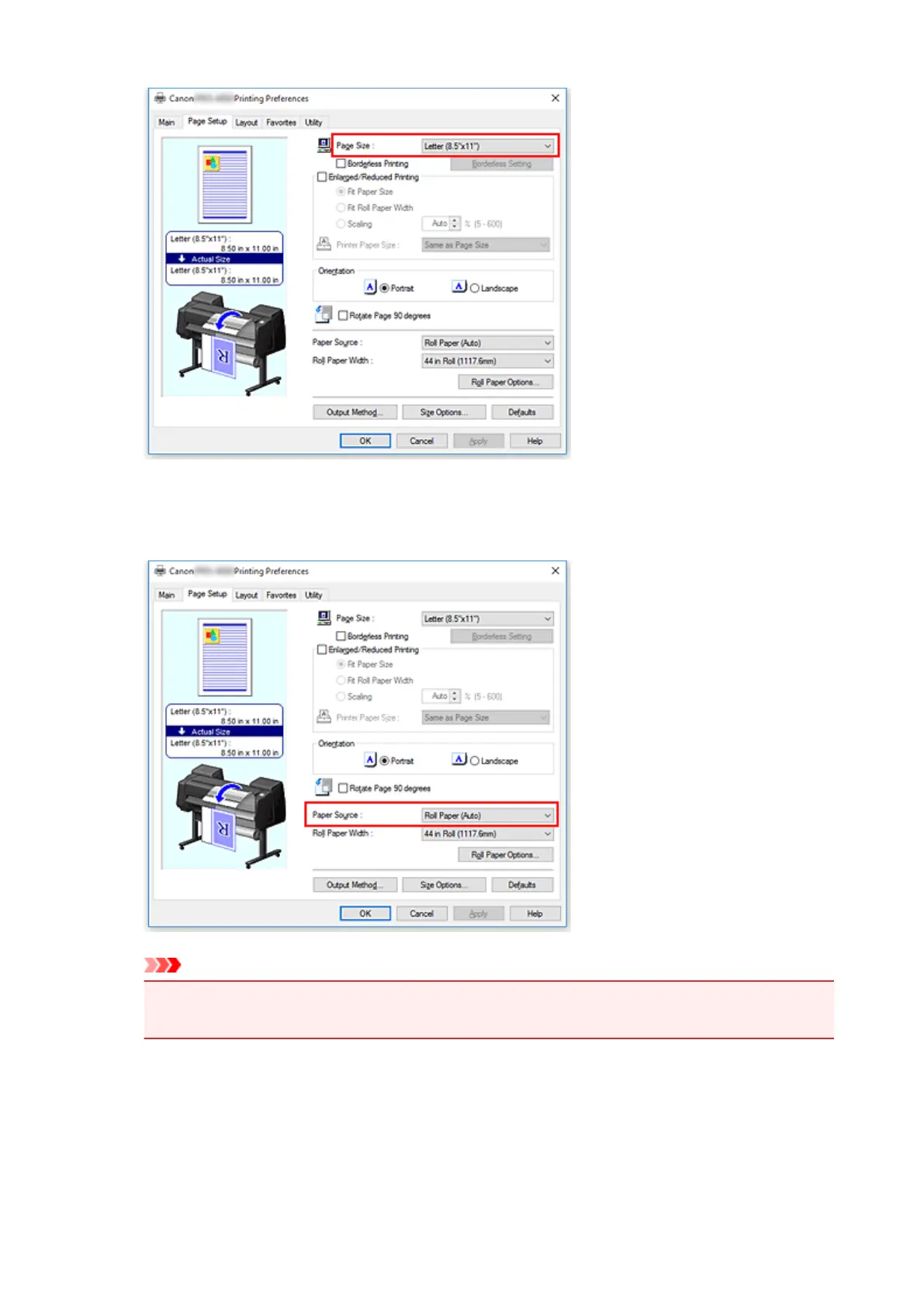
Select the paper source
For Paper Source, select the setting that matches your purpose.
Important
•
The paper feed method will differ according to the paper or lower level (roll paper 2) settings, or
roll unit option settings.
9. Select roll paper width
If you selected a roll paper for Paper Source, set Roll Paper Width to the width of the roll paper
loaded in the printer.
463


 To Next Page
 Loading...








