10.
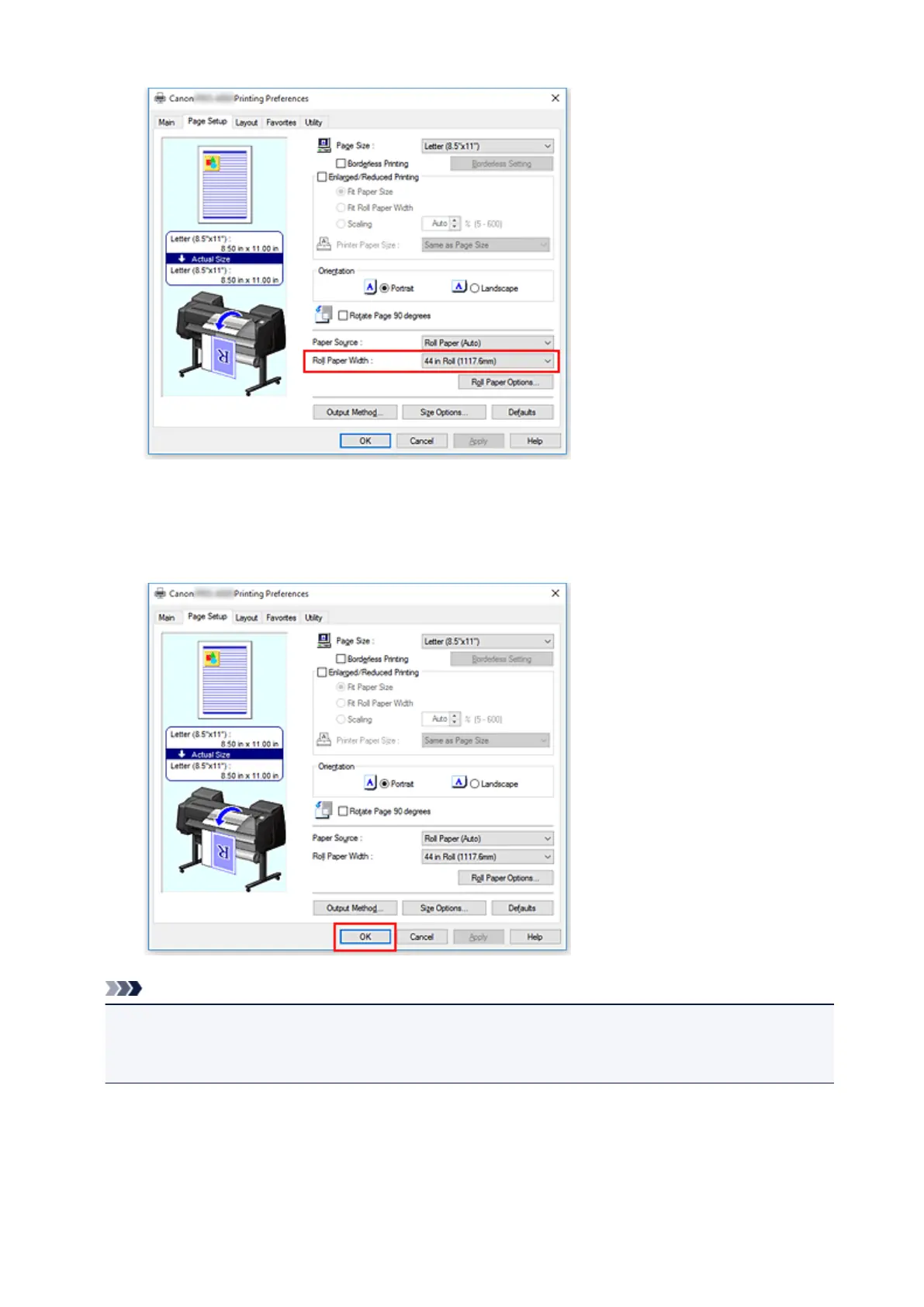
Complete the setup
Click OK.
When you execute print, the document is printed with settings that match your purpose.
Note
• If the paper settings in the printer driver differ from the paper information registered on the printer, an
error message may appear on the printer's operation panel. You can execute Print, but you may not
obtain the correct printing result.
Checking Printer Settings and Applying Settings to Printer Driver
1. Open printer driver setup window
464


 To Next Page
 Loading...








