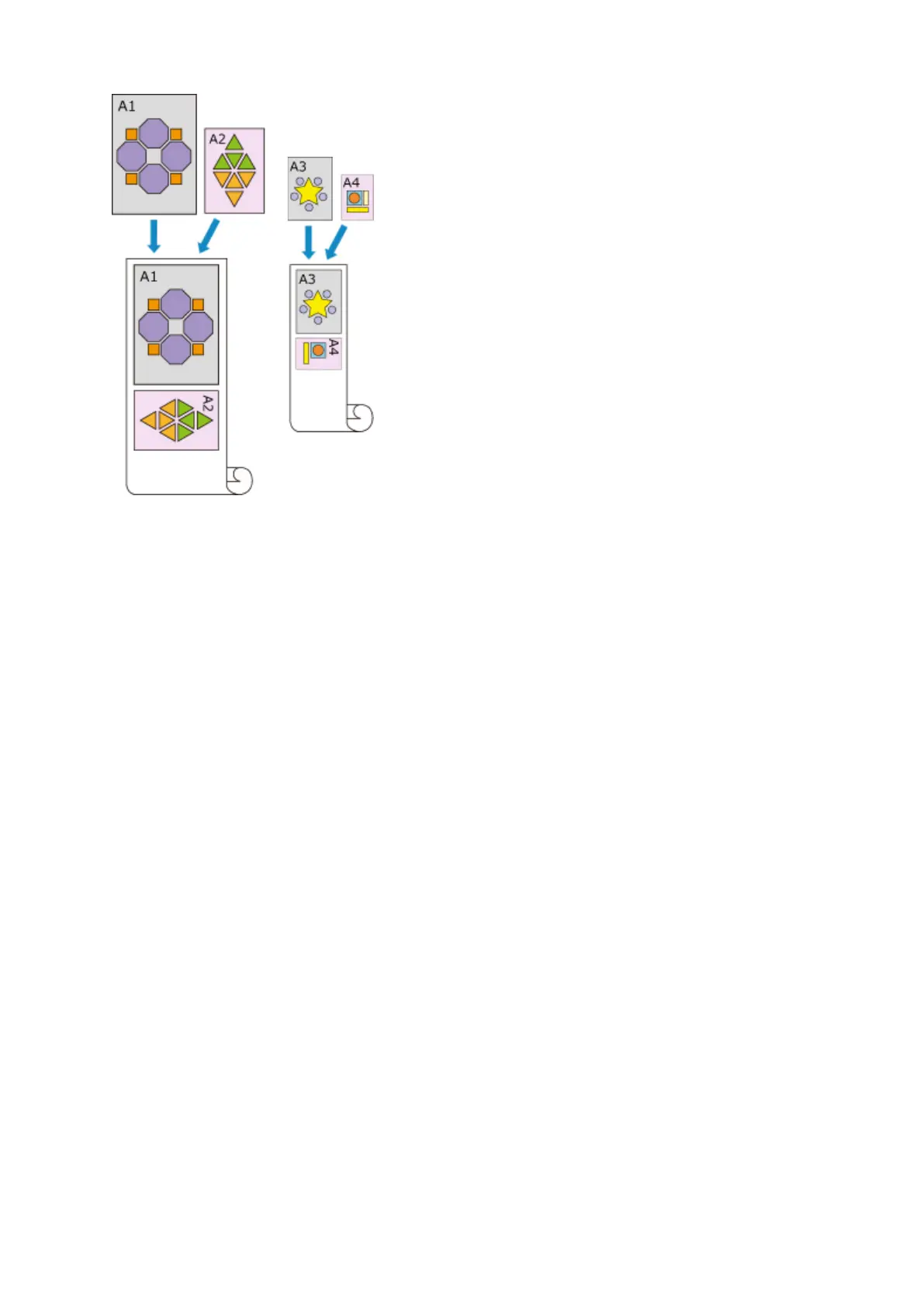
Roll 1: ISO A1/A2 Roll 2: ISO A3/A4
1.
Select as described below:
•
If you are using Windows 10, right-click the Start menu, and select Control Panel ->
Hardware and Sound -> Devices and Printers.
The Devices and Printers window is displayed.
• If you are using Windows 8.1, Windows 8, Windows Server 2012 R2, or Windows Server
2012, from the Desktop charms, select Settings -> Control Panel -> Hardware and Sound
(Hardware) -> Devices and Printers.
The Devices and Printers window is displayed.
• If you are using Windows 7 or Windows Server 2008 R2, select the Start menu -> Control
Panel -> Hardware and Sound (Hardware) -> Devices and Printers.
The Devices and Printers window is displayed.
• If you are using Windows Vista or Windows Server 2008, select the Start menu -> Control
Panel -> Hardware and Sound -> Printers.
The Printers window is displayed.
2. Display setup window
Right-click the "Your model name" icon, and select Printer properties (in Windows 10, Windows
8.1, Windows 8, or Windows 7) or Properties (in Windows Vista).
The printer's Properties window appears.
3. Set automatic paper source switching
On the Device Settings tab, select the Automatically switch paper sources (paper size priority)
check box.
474


 To Next Page
 Loading...








