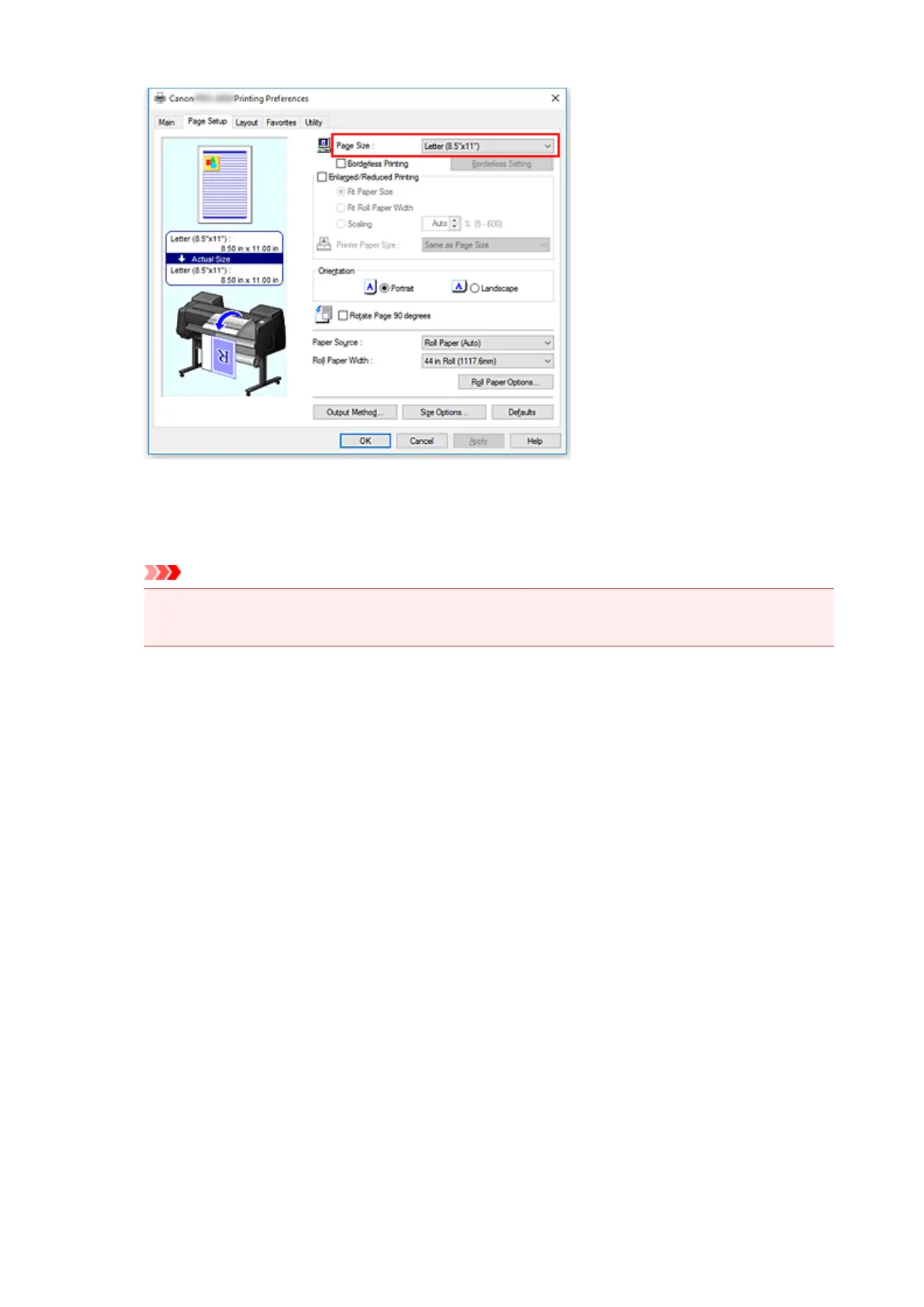
6.
Select the paper source
For Paper Source, select the setting that matches your purpose.
Important
• The paper feed method will differ according to the paper or lower level (roll paper 2) settings, or
roll unit option settings.
7.
Set the other items
Set the other items as necessary.
8.
Complete the setup
Click OK.
When you print, the document is printed to match the specified print purpose.
486











 To Next Page