Important
•
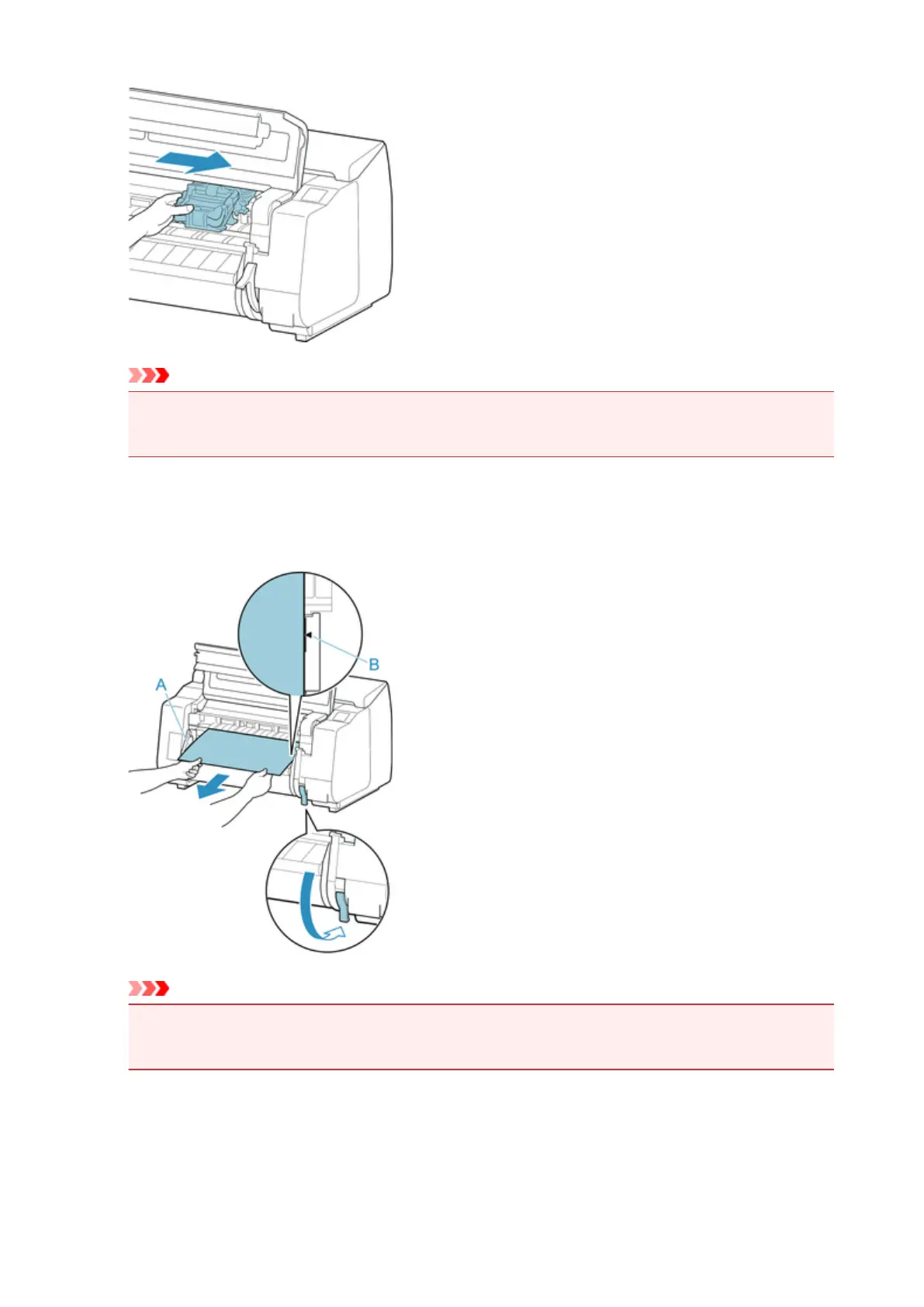
Always move the Carriage to the right side. If the Carriage is on the left, a Carriage error may
occur when you turn on the printer.
7.
While holding the leading edge of the roll paper in the middle and gently and evenly pulling
until it reaches the output guide (A) position, align the right edge of the roll paper parallel to
the paper alignment line (B), and lower the release lever.
Important
•
Do not pull the roll paper forcefully to make it line up with the paper alignment line (B). This might
cause the roll paper to feed at an angle.
8. Close the top cover.
704











 To Next Page