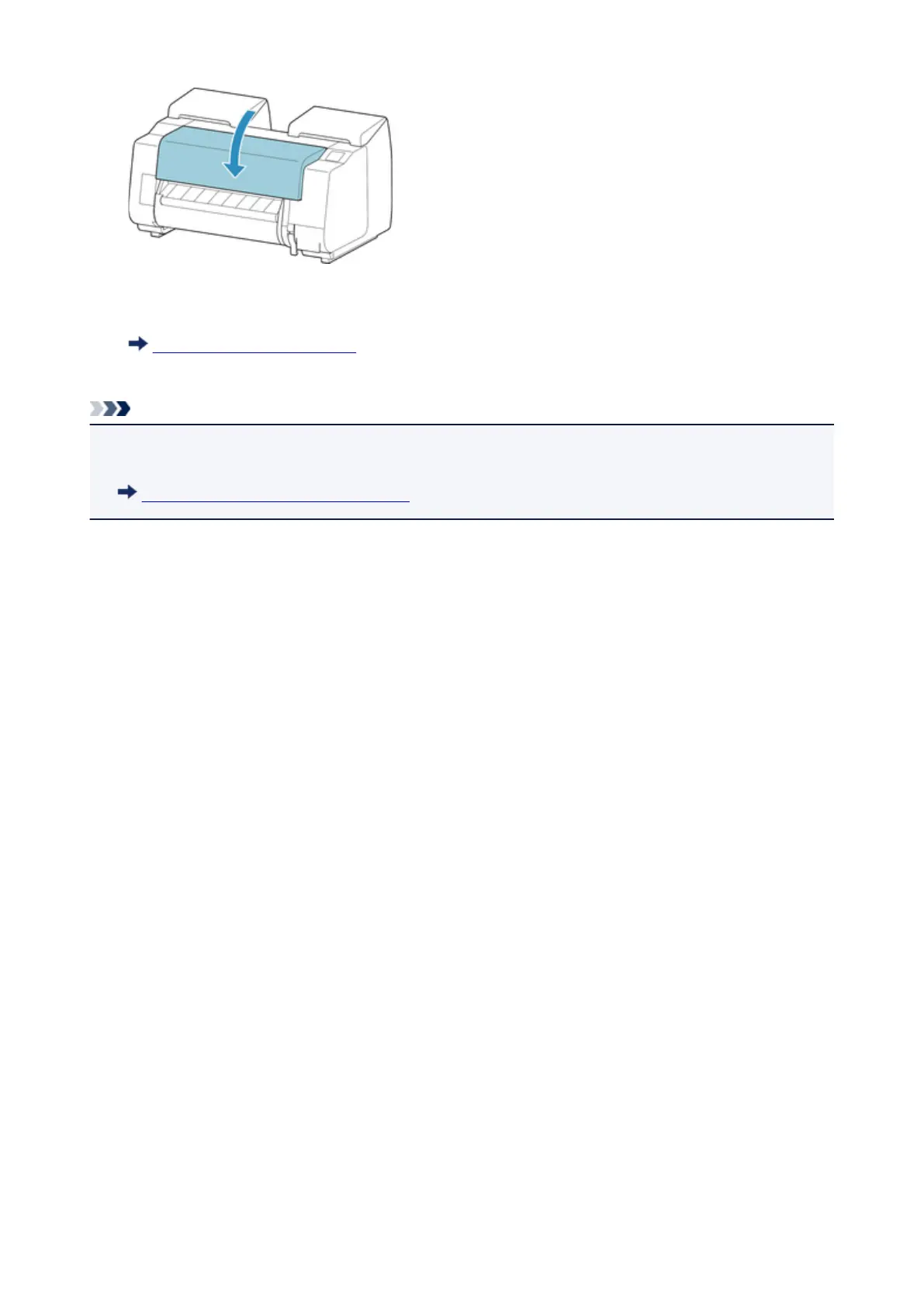
9.
Turn on the power to the printer.
Turning the Printer On and Off
The roll is advanced and the printer is ready to print.
Note
• To trim the leading edge cleanly, select the paper being fed on the touch screen, and then cut the
leading edge by tapping Cut paper in Feed/cut.
Specifying the Cutting Method for Rolls
705











 To Next Page