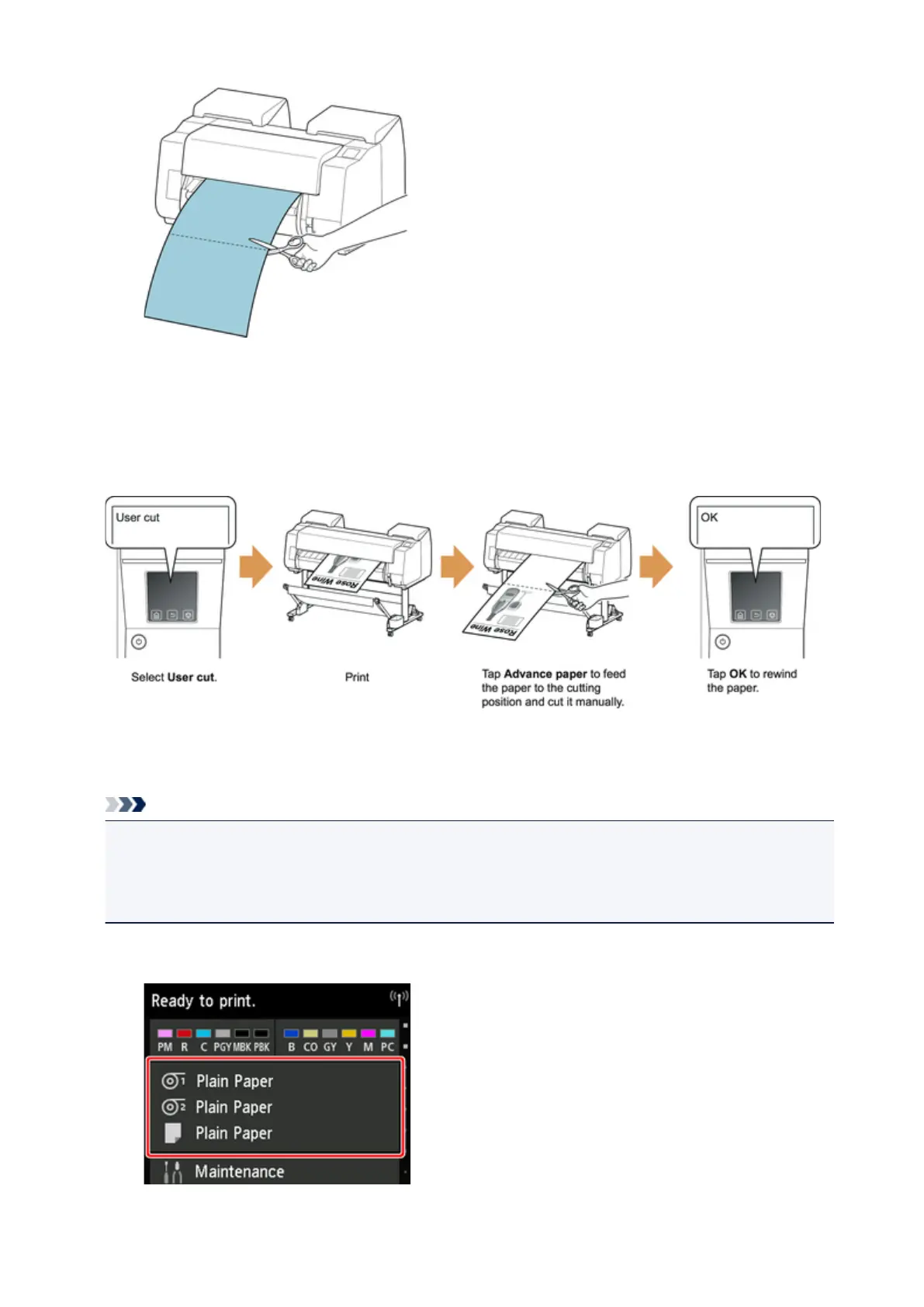
11.
Tap OK.
After the roll is rewound, it stops automatically.
Manual (for paper of which the leading edge rubs the printhead)
Note
• Once the following step has been performed, the procedure can be started from step 8 the next time.
• Printing the second and subsequent times
• Printing after replacing with the same type of paper
1. Tap paper settings display area on Home screen of touch screen.
85











 To Next Page