Chapter 3
3-25
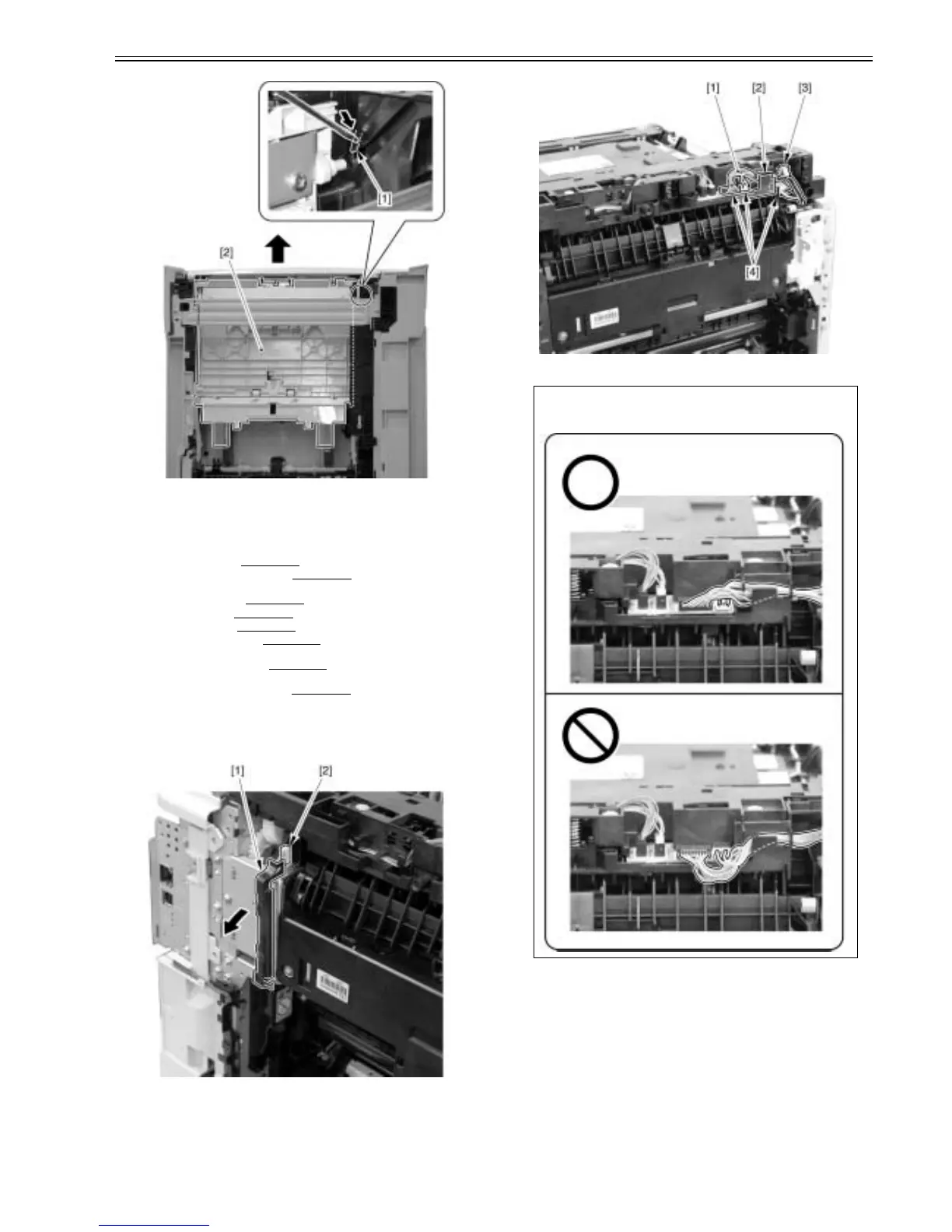
F-3-108
3.4.3 Delivery Unit
3.4.3.1 Pre-procedure for removing delivery unit
0021-6352
1) Remove the right cover.(page 3-3)Reference[Removing right cover]
2) Remove the upper rear cover (left).(page 3-1)
Reference[Removing up-
per rear cover (left)]
3) Remove the upper cover.(page 3-5)
Reference[Removing upper cover]
4) Remove the left cover.(page 3-4)
Reference[Removing left cover]
5) Remove the rear cover.(page 3-1)
Reference[Removing rear cover]
6) Remove the lower rear cover.(page 3-1)
Reference[Removing lower rear
cover]
7) Remove the rear cover lib unit.(page 3-1)
Reference[Removing rear cov-
er lib unit]
8) Remove duplex reverse drive unit.(page 3-9)
Reference[Removing du-
plex reverse drive unit]
3.4.3.2 Removing delivery unit
0021-6353
1) Move the cable guide [1] and remove the connector [2].
F-3-109
2) Remove the cable [1] from the cable guide [2].
- 1 wire saddle [3]
- 3 connectors [4]
F-3-110
3) Release two claws [1] and remove the connector [2].
CAUTION:
When you assemble the delivery unit, be sure to place the cable in the correct
position as shown in the figure.













 To Next Page