Chapter 3
3-28
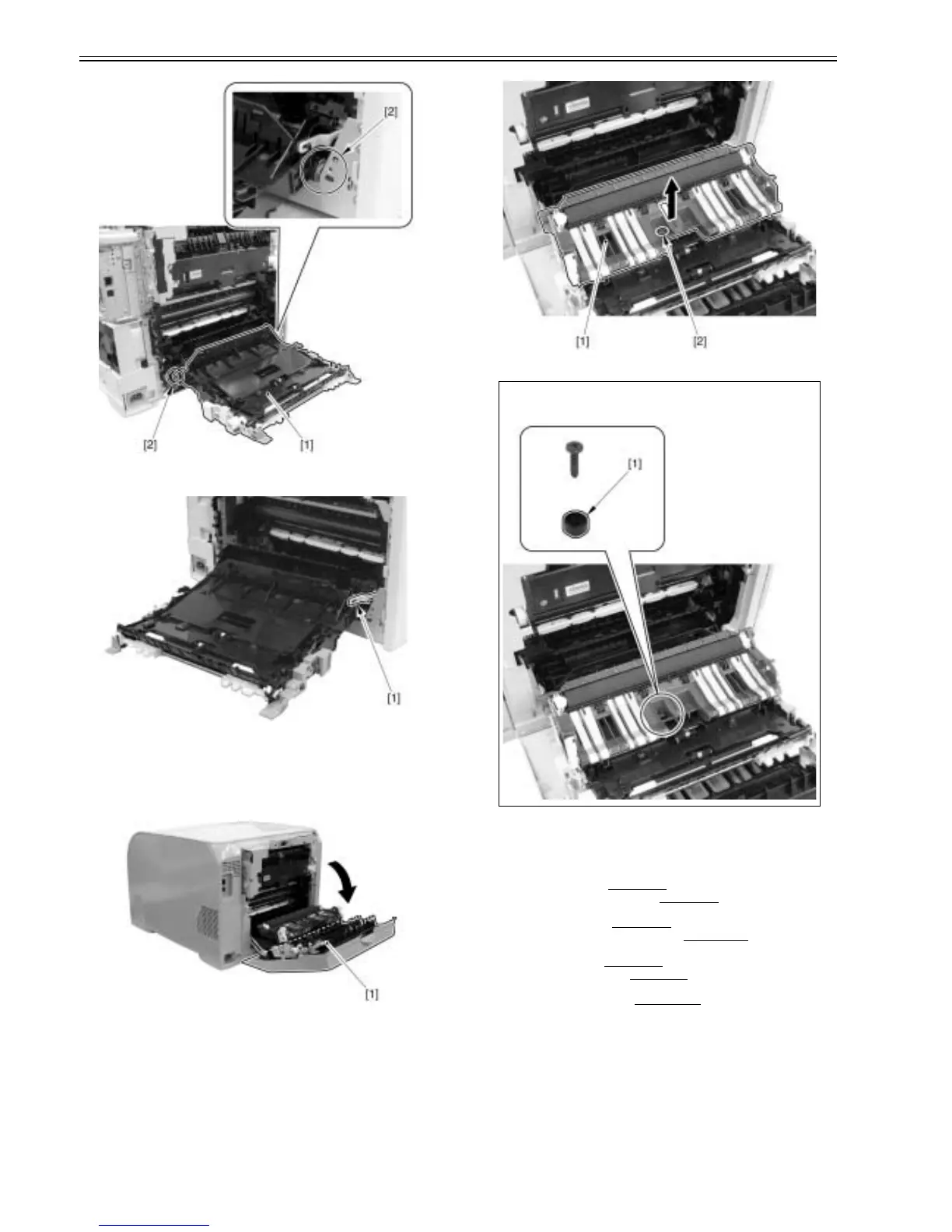
F-3-120
2) Remove the link [1] from the duplex feeding unit.
F-3-121
3.4.9 Secondary Transfer Feeding Unit
3.4.9.1 Removing secondary transfer feeding unit
0021-4280
1) Open the rear cover [1].
F-3-122
2) Remove the secondary transfer feeding unit [1] in the arrow direction.
- 1 screw [2]
F-3-123
3.4.10 Re-Pickup Guide Unit
3.4.10.1 Pre-procedure for removing re-pick-up guide
unit
0021-4283
1) Remove the right cover.(page 3-3)Reference[Removing right cover]
2) Remove the upper rear cover (left).(page 3-1)
Reference[Removing up-
per rear cover (left)]
3) Remove the upper cover.(page 3-5)
Reference[Removing upper cover]
4) Remove secondary transfer feeding unit.(page 3-28)
Reference[Remov-
ing secondary transfer feeding unit]
5) Remove the rear cover.(page 3-1)
Reference[Removing rear cover]
6) Remove the lower rear cover.(page 3-1)
Reference[Removing lower rear
cover]
7) Remove duplex feeding unit.(page 3-27)
Reference[Removing duplex
feeding unit]
3.4.10.2 Removing re-pick-up guide unit
0021-4284
1) Remove the re-pick-up guide unit [1].
- 3 connectors [2]
- 4 screws [3]
CAUTION:
When you remove the screw, the guide cap [1] is also detached, and therefore
you should be careful not to lose it.













 To Next Page