Chapter 5
5-1
5.1 MEASUREMENT AND ADJUSTMENT
5.1.1 Test Print
5.1.1.1 Test Print
0021-5292
Test Print is an object used to check whether this equipment works properly
or not.
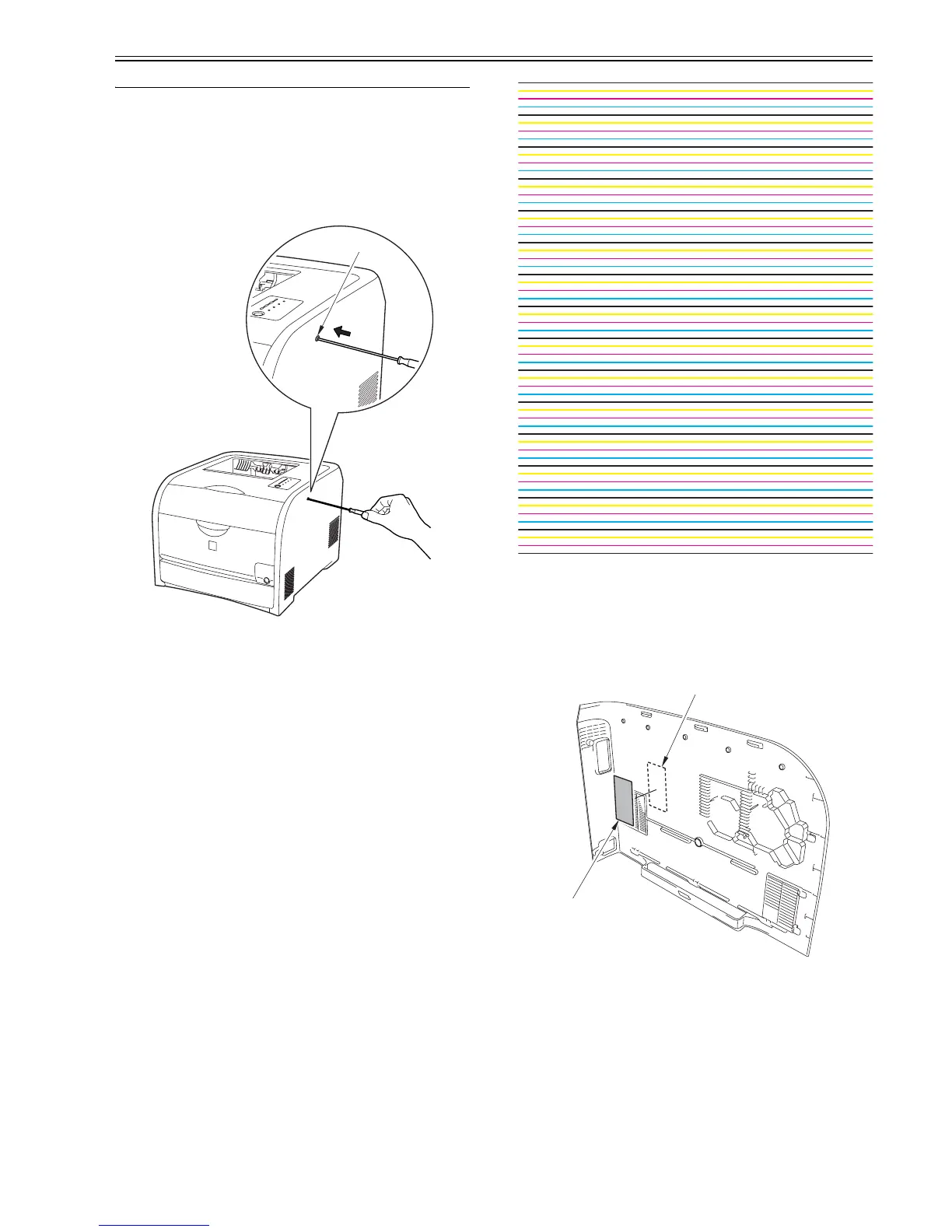
Execute engine test print, as the following steps.
1.Turn ON the power, and when this equipment has turned to 'standby', press
test print switch [1] located in the right side.
F-5-1
2.Engine test print will be executed, and one page of the horizontal line pat-
tern as the below figure will be printed.
F-5-2
5.1.2 Adjustment of Laser Exposure System
5.1.2.1 After Replacing the laser scanner unit
0021-5293
When replacing the laser unit, enter the value described on the label included
in the scanner unit into the following service mode.
After entry, put the label [2] inside the right cover [1].
F-5-3
How to transit to the service mode
1. After the power ON, display the printer driver screen.
2. Change the display from the driver screen to status window.
3. Enter the password “*28*” with keyboards.
4. Select: Option menu > Service mode > Service parts replacement > Scan-
ner unit replace settings from the status window.
[1]
[1]
[2]













 To Next Page