[F-18] Loading Index Cards
The following Index Card sizes are supported.
102.0 x 152.0 mm
127.0 x 203.0 mm
Index Card can be loaded only in the multi-purpose tray.
IMPORTANT
Detailed information about usable paper
"Usable Paper and Unusable Paper"
Handling the multi-purpose tray
"Paper Source"
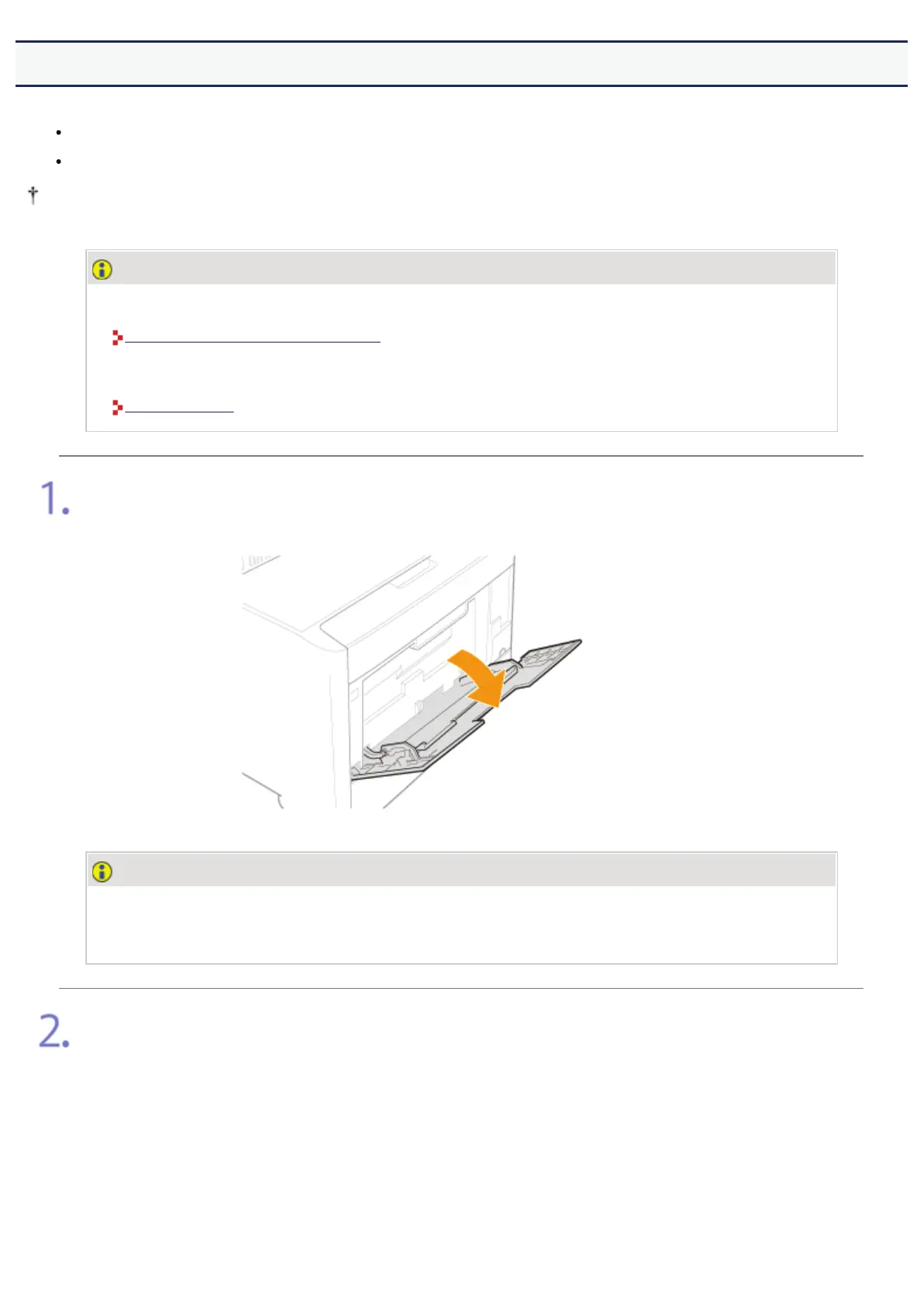
Open the multi-purpose tray.
Holding the opening at the center of the printer, open the multi-purpose tray.
IMPORTANT
Be sure to insert the paper drawer.
If the paper drawer is not inserted, you cannot print from the multi-purpose tray.
Pull out the auxiliary tray.
㻞㻠㻟㻌㻛㻌㻣㻜㻡













 To Next Page