[E-06] Connecting the Power Cord
IMPORTANT
Precautions when connecting the power cord
Do not plug the power plug of the printer into an auxiliary outlet on a computer.
One AC power outlet should be used exclusively for the printer.
Do not connect this printer to an uninterruptible power source.
This may cause printer malfunction or breakdown in the event of a power failure.
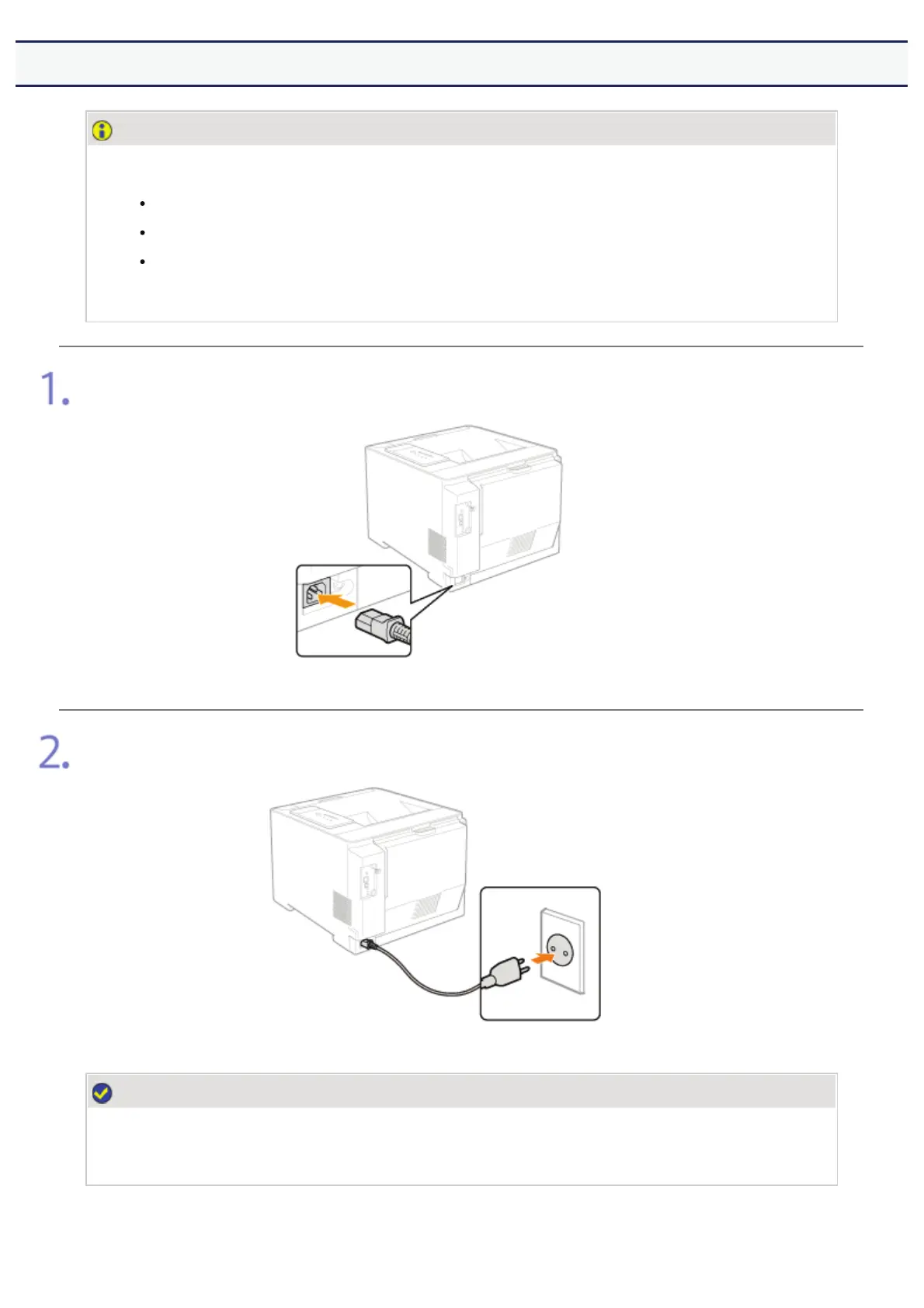
Plug the supplied power cord into the power socket firmly.
Plug the power plug into the AC power outlet.
NOTE
The form of the supplied power cord
The form of the supplied power cord may differ from the one in the above illustration.
㻣㻢㻌㻛㻌㻣㻜㻡













 To Next Page