[H-19] Checking the Printer on the Print Server
Check the printer using the following procedure.
Display [Windows Explorer].
Windows XP, Server 2003, Vista, and Server 2008
)URPWKH>6WDUW@PHQXVHOHFW>$OO3URJUDPV@ĺ>$FFHVVRULHV@ĺ
[Windows Explorer].
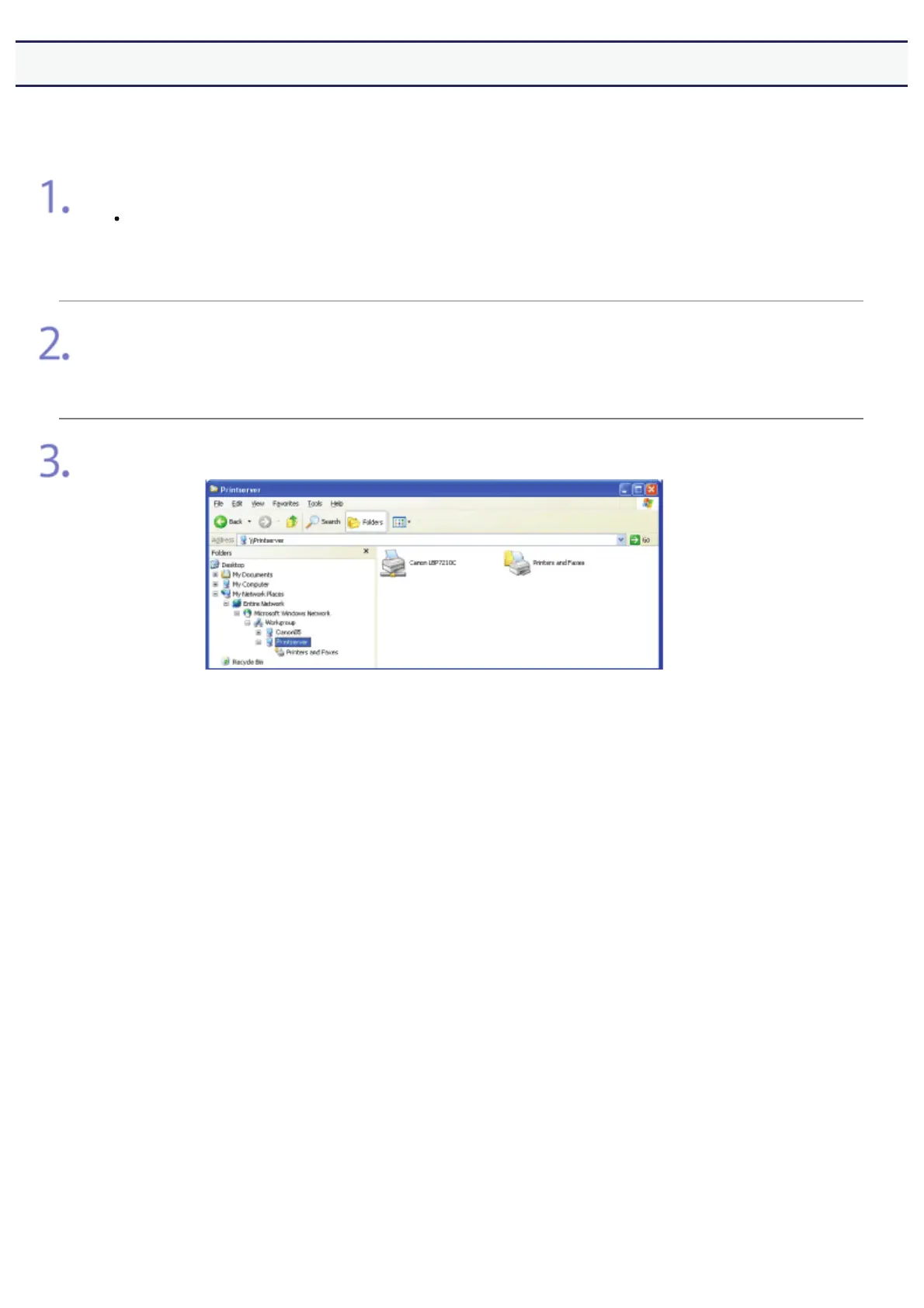
Select the print server from [My Network Places] (from [Network] for Windows Vista and
Server 2008).
Check if the icon for this printer is displayed.
㻠㻠㻟㻌㻛㻌㻣㻜㻡












 To Next Page