About disposal of the removed packing materials
Dispose of the packing materials according to local regulations.
NOTE
Handling toner cartridges
"Handling Toner Cartridges"
About the packing materials
The packing materials may be changed in form or placement, or may be added or removed
without notice.
Replacing Toner Cartridges
NOTE
About the power of the printer
You can replace the toner cartridges either when the power of the printer is turned on or when it
is turned off.
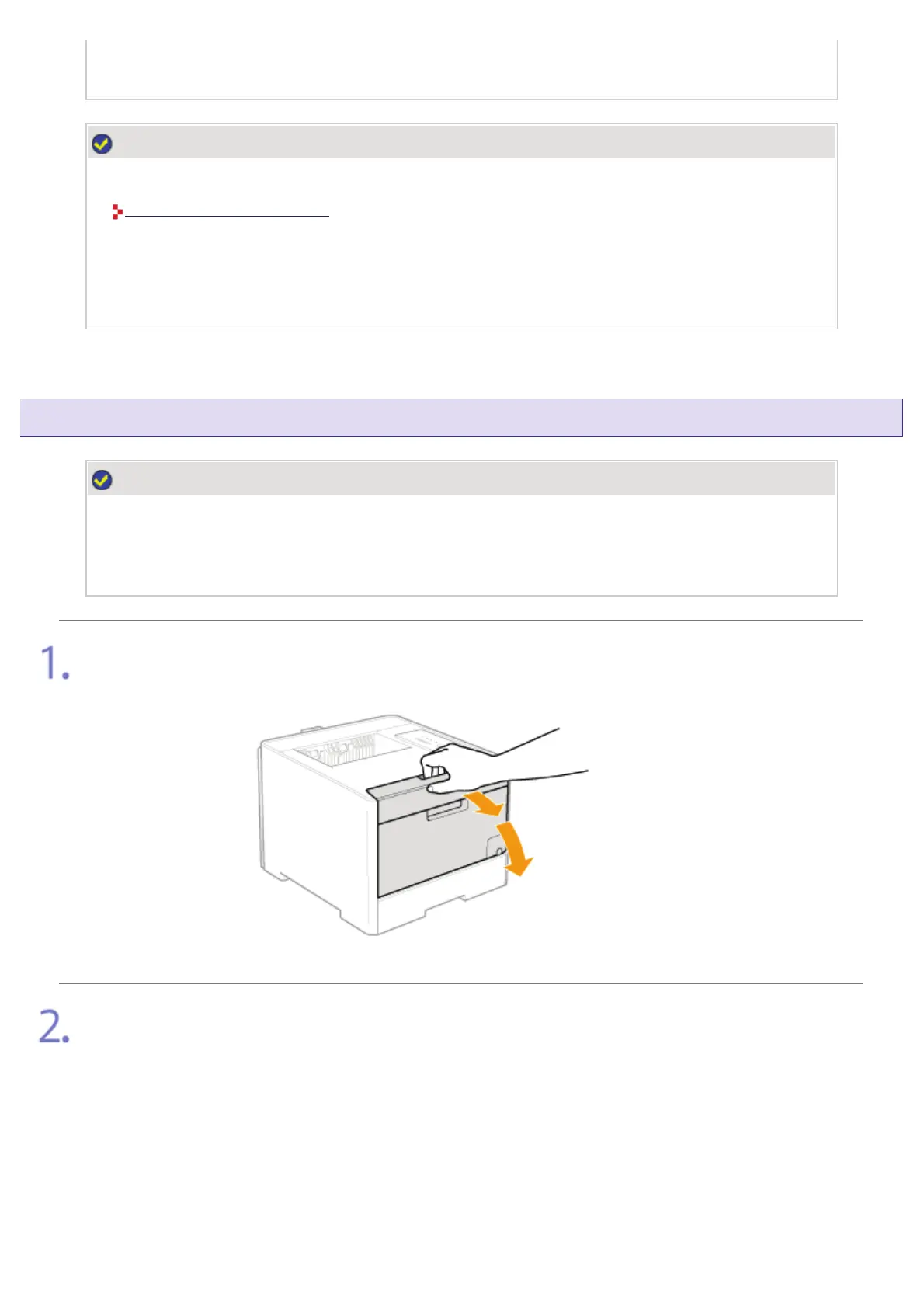
Gently open the front cover.
Pull out the toner cartridge tray.
(1) Press the lever on the handle.
(2) Pull out the toner cartridge tray until it stops.
㻟㻢㻣㻌㻛㻌㻣㻜㻡












 To Next Page