[C-05] Searching for Information
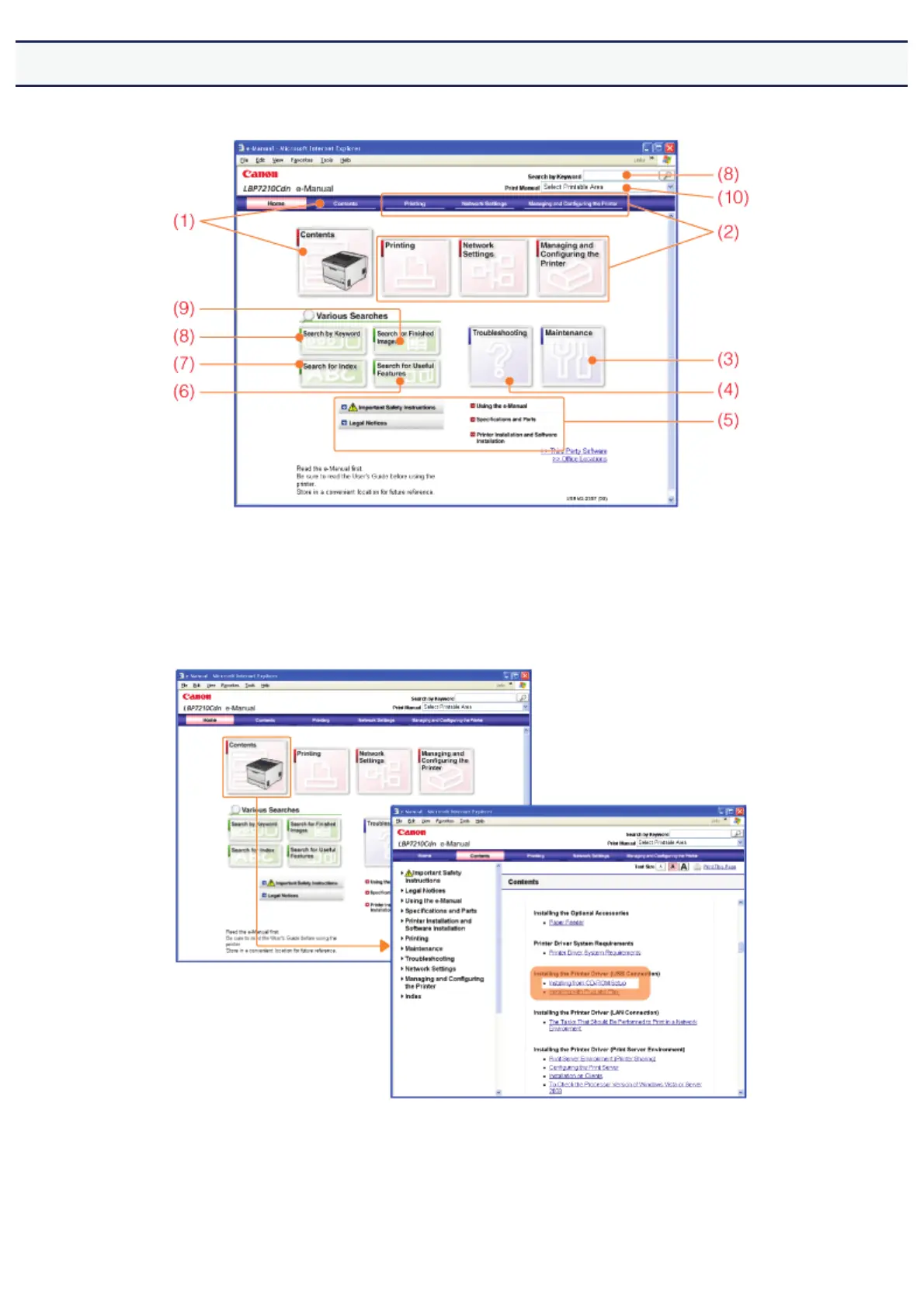
You can search for the desired information by clicking the buttons or entering keywords on the top page.
(1) Contents
You can search for a topic from the contents in which all the items are listed.
(Example)
If you want to search for an installation procedure of the printer driver
(2) Printing, Network Settings, Managing and Configuring the Printer
You can search for a topic from the list classified into respective operations.
(Example)
If you want to search for a basic printing procedure
㻟㻟㻌㻛㻌㻣㻜㻡













 To Next Page