[F-32] Printing Borders, the Printing Date, etc.
You can print a border, the date, and page numbers on the document to be printed.
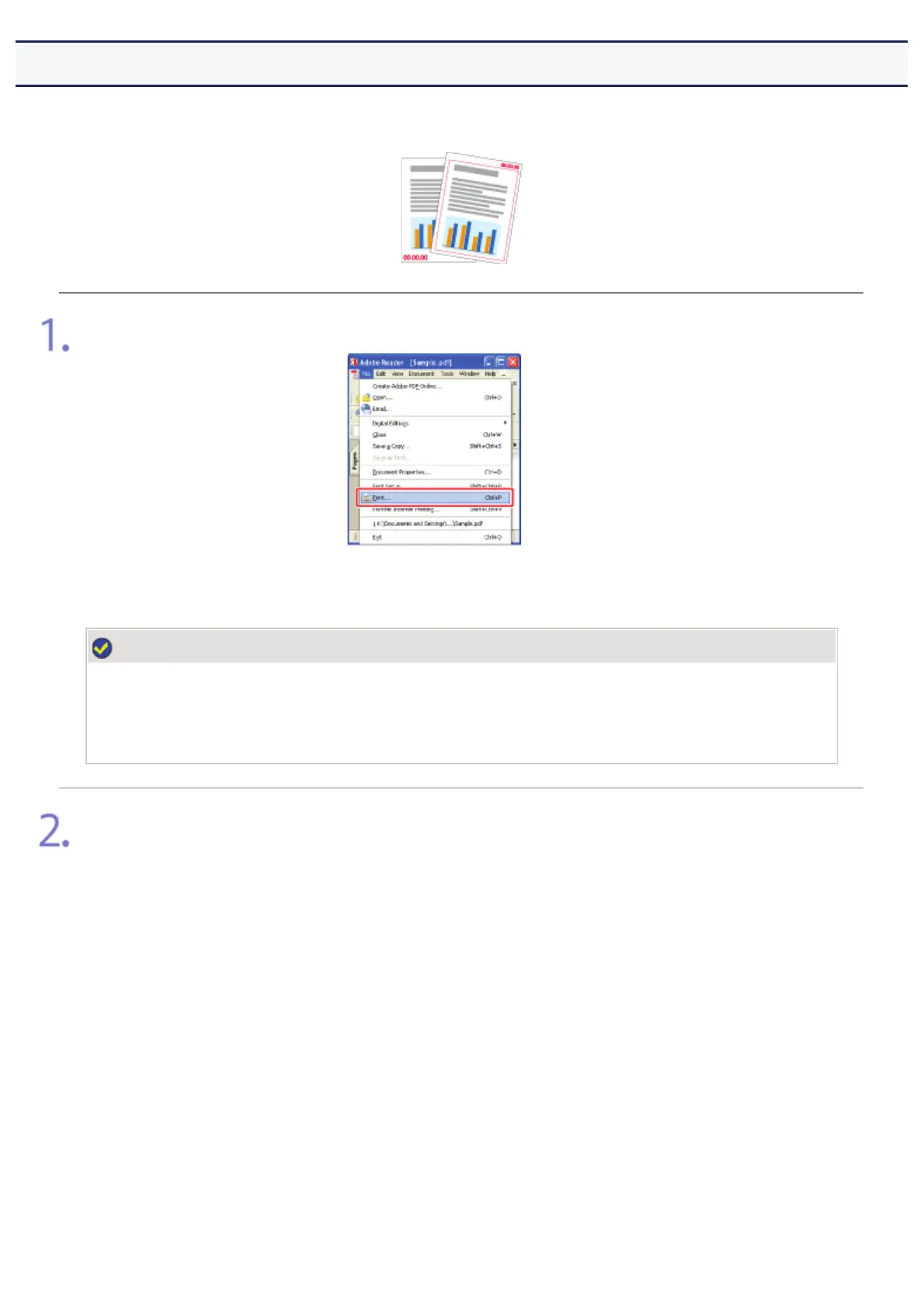
Select [Print] from the [File] menu in the application.
NOTE
About the printing procedure
The printing procedure may differ depending on the application you are using.
For details on the printing procedures, see the instruction manual supplied with the application.
Open the printing preferences dialog box.
(1) Select this printer.
(2) Click [Properties] or [Preferences].
㻟㻝㻟㻌㻛㻌㻣㻜㻡













 To Next Page