[H-30] Adjusting the Color or Image Quality
This printer allows you to perform the following adjustments and corrections.
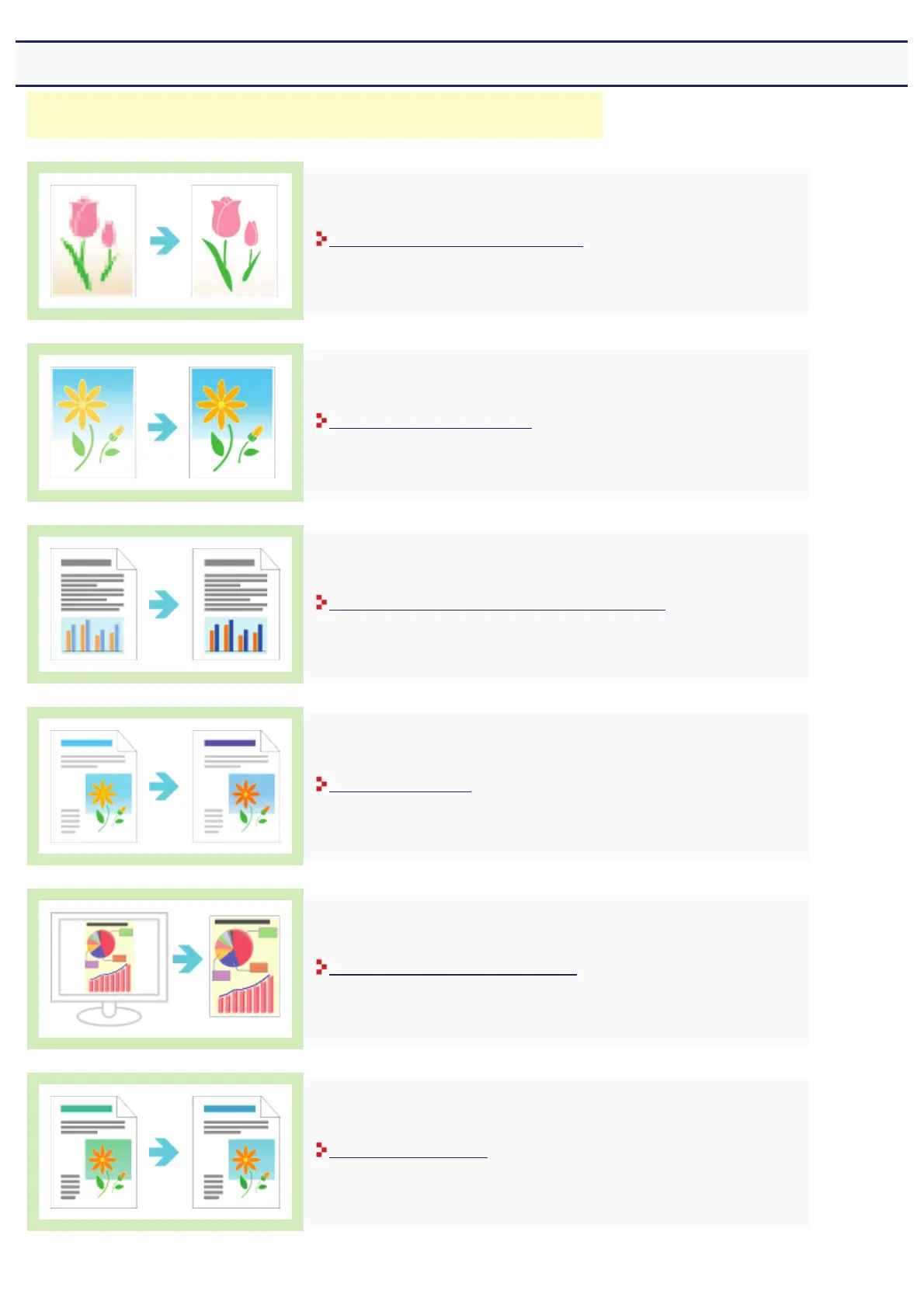
Correcting Rough-Textured Images
Adjusting the Toner Density
Printing with Brightness and Contrast Adjusted
Adjusting the Color
Matching the Color on the Display
Calibrating the Printer
㻠㻤㻠㻌㻛㻌㻣㻜㻡













 To Next Page