2. Enter "\D:English\MInst.exe", and then click [OK].
Windows Vista and Server 2008
1. Enter "D:\English\MInst.exe" in [Start Search] under the [Start]
menu.
2. Press the [ENTER] key on the keyboard.
If the [AutoPlay] dialog box appears (Windows Vista and Server 2008)
Click [Run AUTORUN.EXE].
If the [User Account Control] dialog box appears (Windows Vista and Server 2008)
Click [Continue].
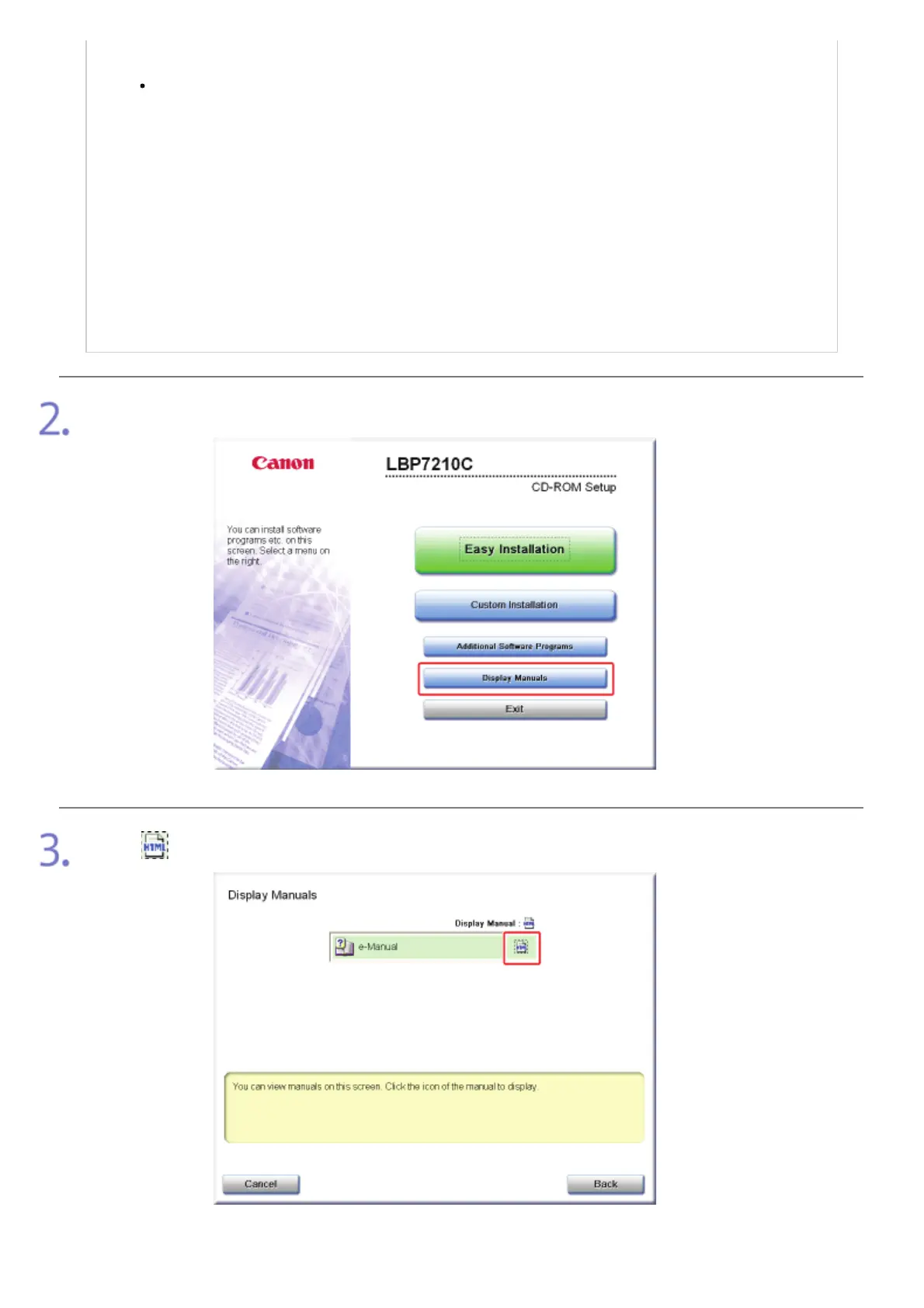
Click [Display Manuals].
Click [ ].
ĺ The e-Manual is displayed.
㻟㻞㻌㻛㻌㻣㻜㻡













 To Next Page