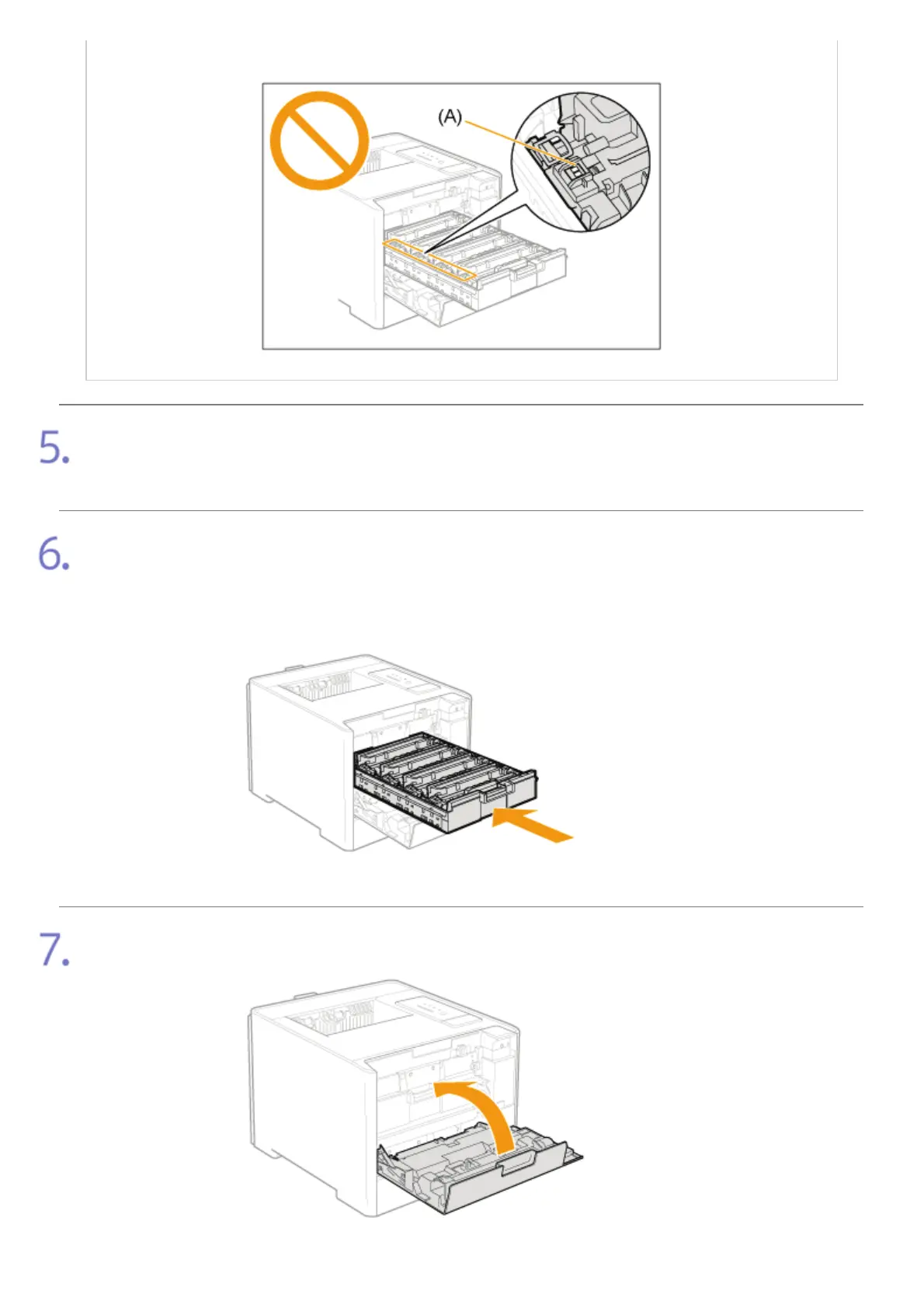
This may result in damage to the cartridge.
Pull out the sealing tapes of all the toner cartridges.
Make sure that all four sealing tapes have been removed.
Close the toner cartridge tray.
Push it into the printer firmly.
Gently close the front cover.
㻣㻠㻌㻛㻌㻣㻜㻡













 To Next Page