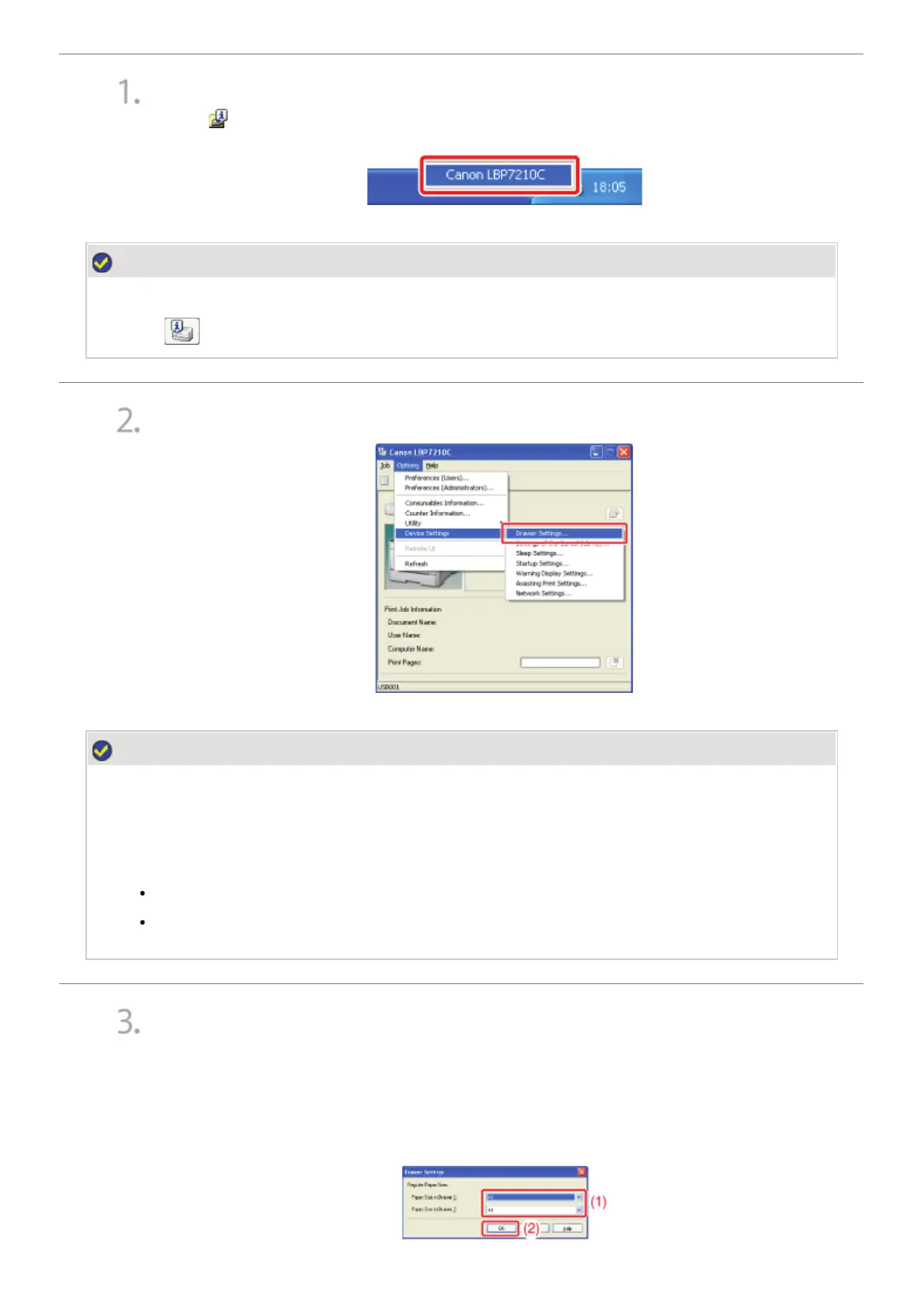
Display the Printer Status Window.
Click [
] in the Windows task tray, and then select the printer name.
NOTE
When displaying the Printer Status Window from the printer driver
Click [
] (Display Printer Status Window) in locations such as in the [Page Setup] sheet.
)URPWKH>2SWLRQV@PHQXVHOHFW>'HYLFH6HWWLQJV@ĺ>'UDZHU6HWWLQJV@
NOTE
When registering a paper size
As you cannot register a paper size while printing is in progress, make sure that the printer is idle
before registering the paper size.
However, you can register a paper size while one of the following messages is displayed.
<Specified Paper Different from Set Paper>
<Out of Paper>
Register the paper size.
(1) Select the size of the paper loaded in the paper drawer.
• Drawer 1: The paper drawer supplied with the printer unit
• Drawer 2: The paper drawer of the optional paper feeder
(2) Click [OK].
㻤㻟㻌㻛㻌㻣㻜㻡













 To Next Page