Be sure to insert the paper drawer.
If the paper drawer is not inserted, you cannot print from the multi-purpose tray.
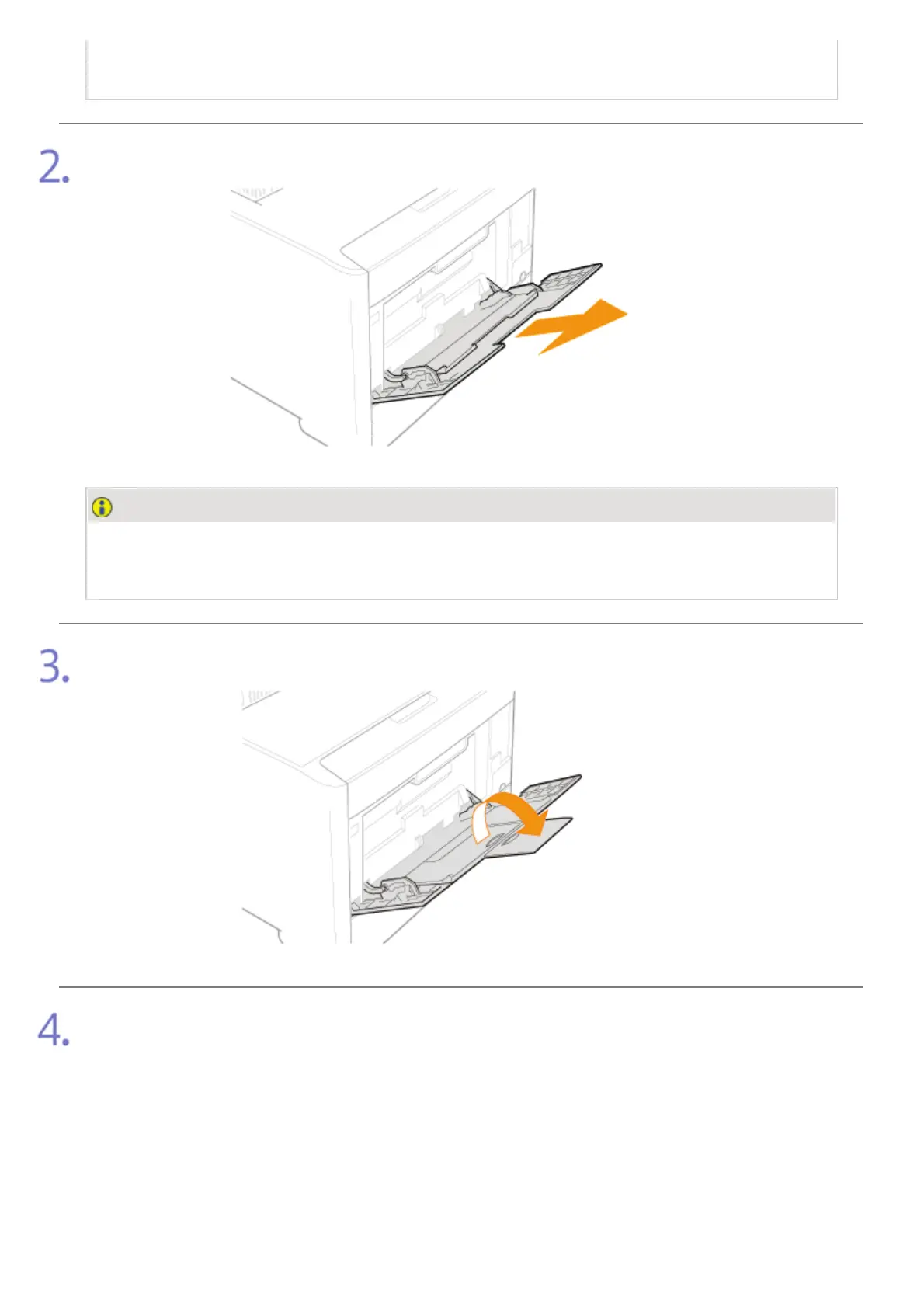
Pull out the auxiliary tray.
IMPORTANT
Be sure to pull out the auxiliary tray.
Be sure to pull out the auxiliary tray when loading paper in the multi-purpose tray.
When loading long-size paper such as A4 etc, open the tray extension.
Spread the paper guides a little wider than the actual paper width.
㻤㻡㻌㻛㻌㻣㻜㻡













 To Next Page