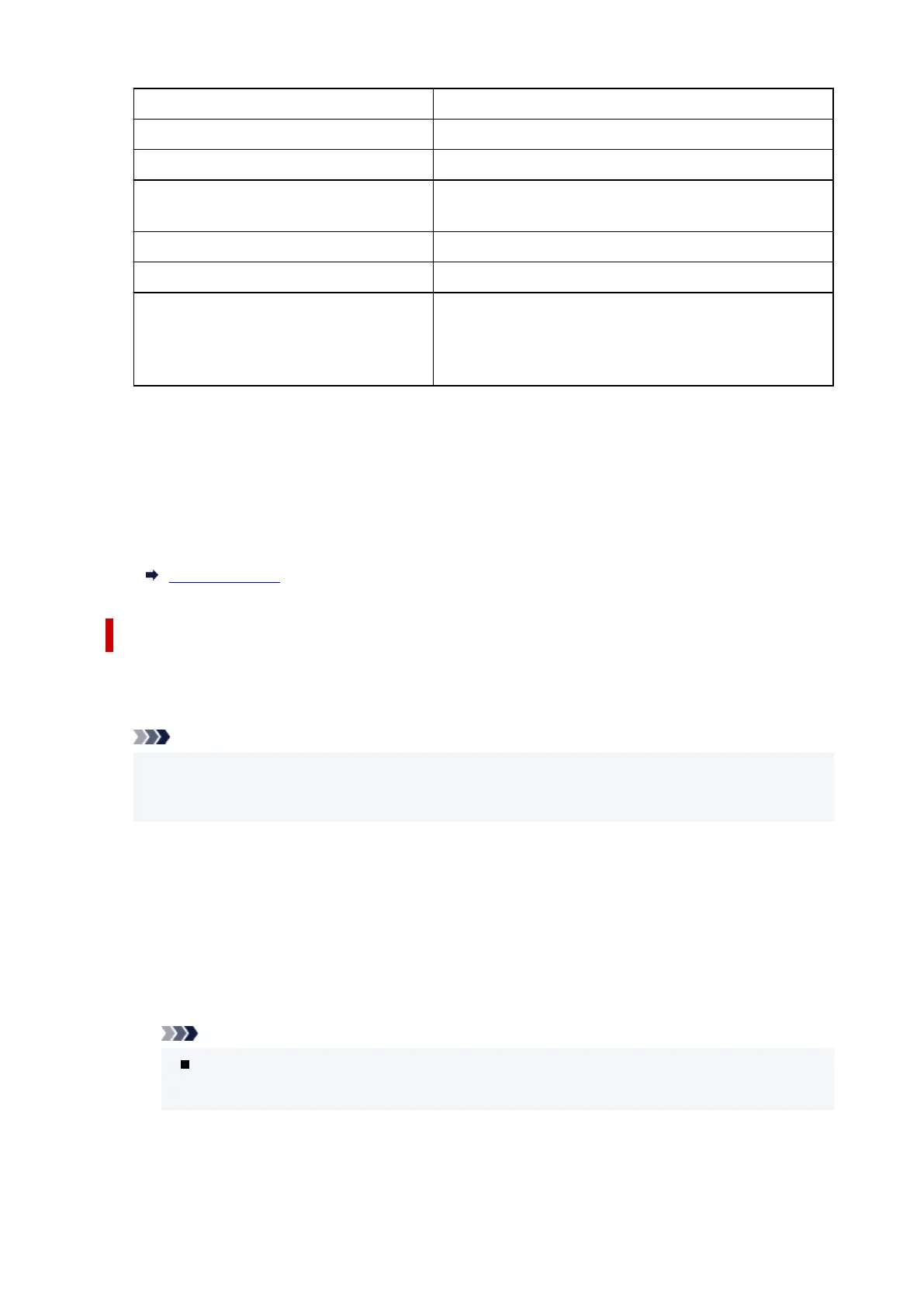
IPv4 address XXX. XXX. XXX. XXX (12 characters)
IPv4 subnet mask XXX. XXX. XXX. XXX (12 characters)
IPv4 default gateway XXX. XXX. XXX. XXX (12 characters)
IPv6 link-local address XXXX: XXXX: XXXX: XXXX:
XXXX: XXXX: XXXX: XXXX (32 characters)
MAC address (Wired LAN) XX:XX:XX:XX:XX:XX (12 characters)
Printer name XXXXXXXXXXXXXXX (up to 15 characters)
Bonjour service name XXXXXXXXXXXXX
XXXXXXXXXXXXX
XXXXXXXXXXXXX
XXXXXXXXXXXXX (up to 52 characters)
("XX" represents alphanumeric characters.)
• Enable/disable Wired LAN
Enables/disables wired LAN.
• Advanced setup
For details on each setting item:
Advanced setup
Advanced setup
• Set printer name
Specifies the printer name. You can use up to 15 characters for the name.
Note
• You cannot use the same printer name as that already used for other LAN connected devices.
• You cannot use a hyphen for the initial or last character of the printer name.
• TCP/IP settings
Performs IPv4 or IPv6 setting.
• WSD settings
Setting items when you use WSD (one of the network protocols supported in Windows).
◦ Enable/disable WSD
Selects whether WSD is enabled or disabled.
Note
When this setting is enabled, the printer icon is displayed on the Network Explorer in
Windows.
◦ Optimize inbound WSD
Selecting Enable allows you to receive the WSD printing data faster.
191










 To Next Page