* The above figure shows the machine with the paper output tray raised.
7.
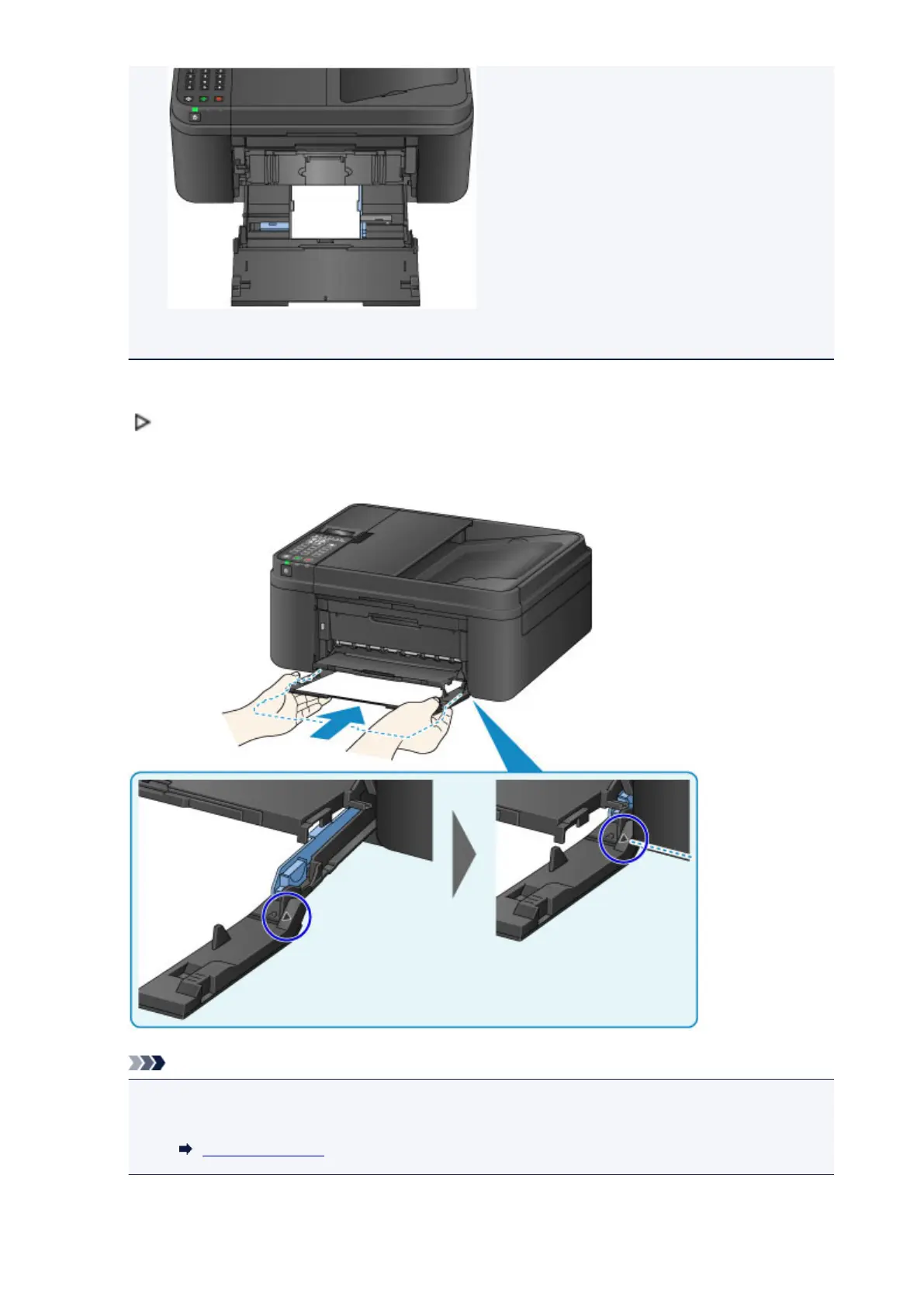
Grab the right and left sides of the front cover and push the cassette back until the arrow
(
) on the front cover is aligned with the edge of the machine.
After pushing the cassette back properly, the machine makes an electronic sound and the paper
information registration screen is displayed on the LCD.
Note
•
When you set the alarm to be silent in Sound control of Dev. user settings, the alarm will not
beep even if the cassette is pushed back.
Dev. user settings
8. Press the OK button.
129














 To Next Page