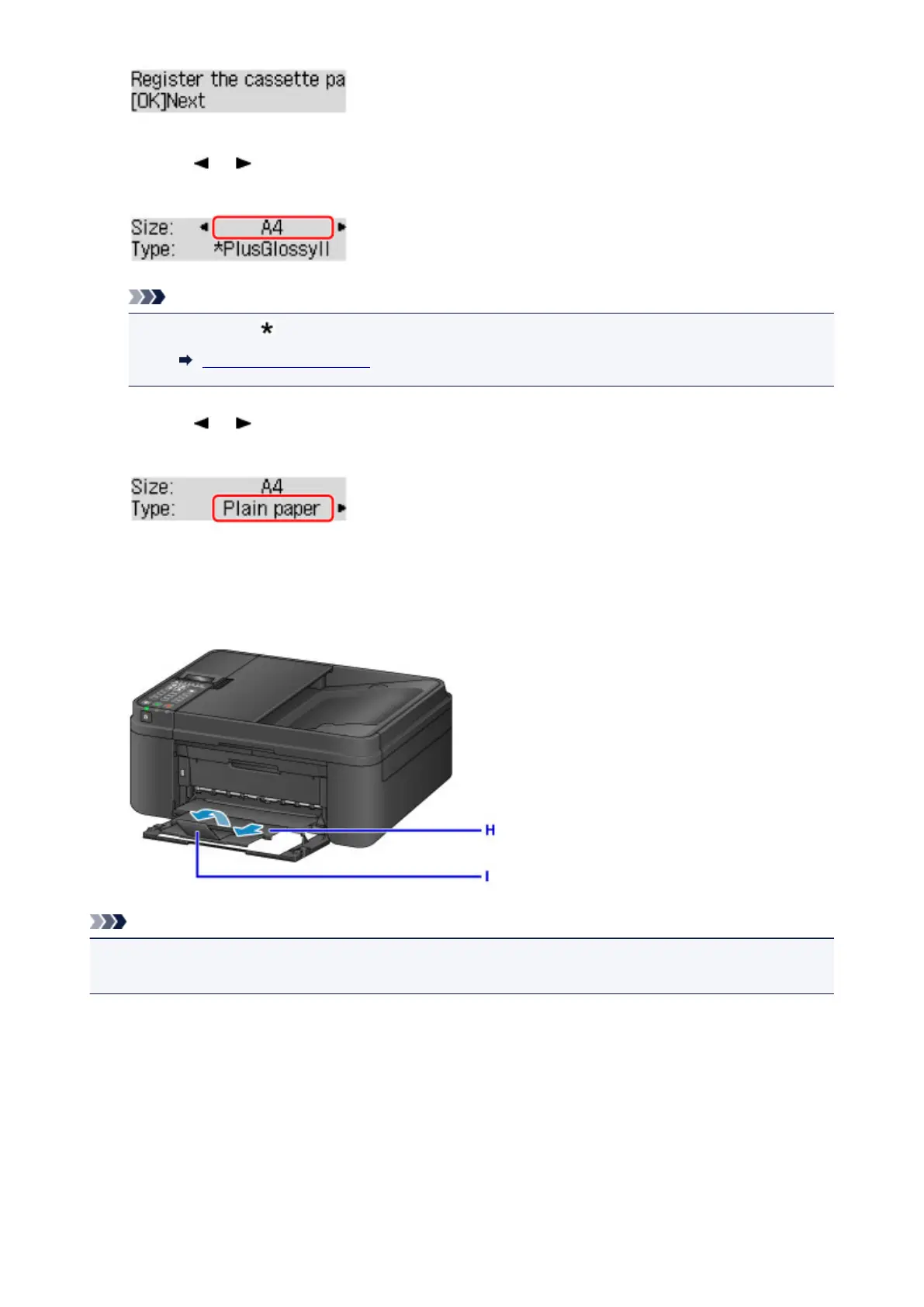
9. Use the or button to select the size of the loaded paper in the cassette, then press the
OK button.
Note
•
The asterisk " " will appear with the current page size and media type settings.
Paper setting for Printing
10.
Use the or button to select the type of the loaded paper in the cassette, then press the
OK button.
11.
Pull the paper output support (H) out from the paper output tray.
12.
Open the output tray extension (I).
Note
• When printing, select the size and type of the loaded paper on the print settings screen of the operation
panel or printer driver.
130














 To Next Page