Important
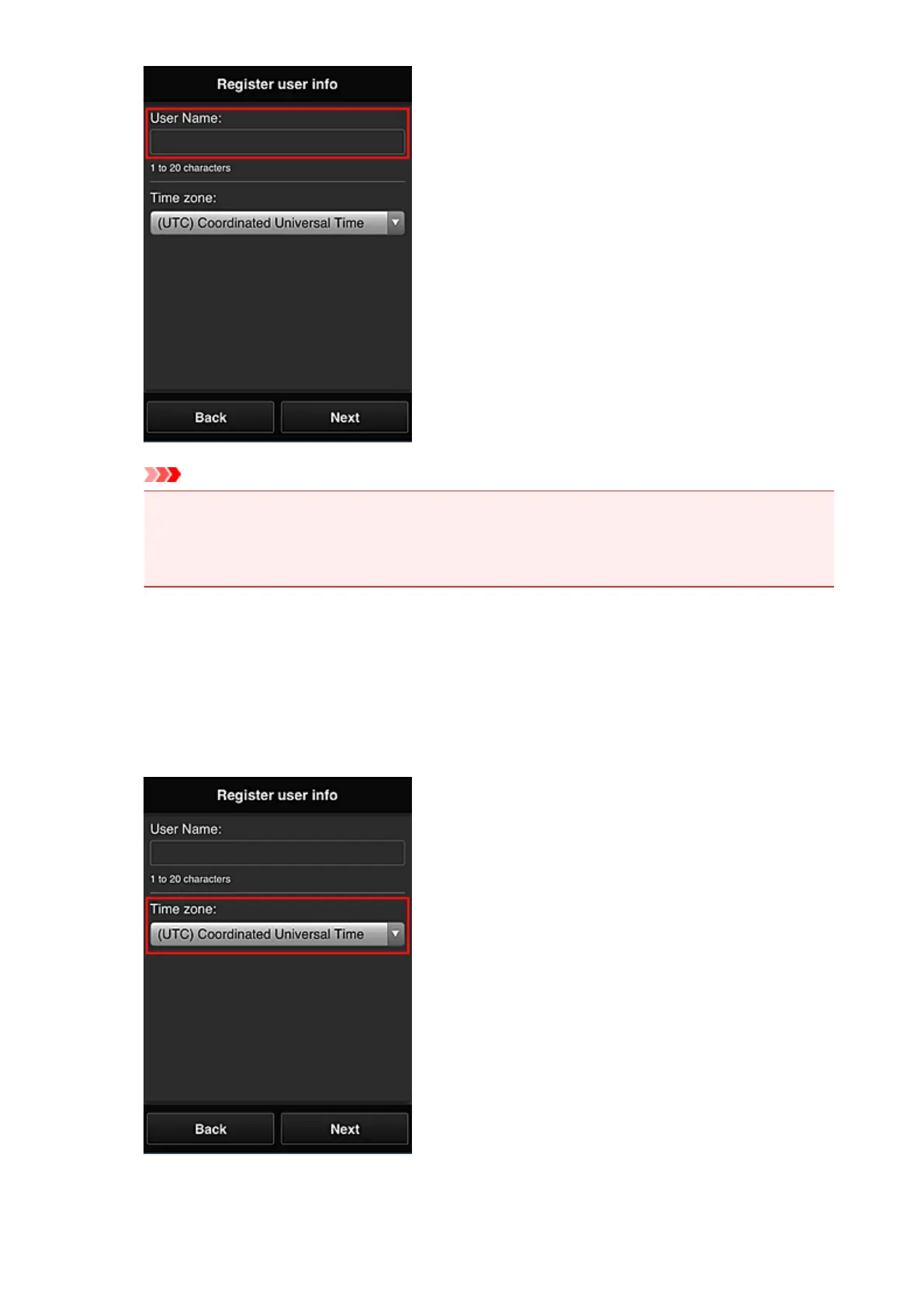
• The User Name entry field has the following character restrictions:
• The user name must be between 1 and 20 characters long, using single-byte alphanumeric
characters and symbols (!"#$%&'()*+,-./:;<=>?@[\]^_`{|}~). (Alphabets are case-sensitive)
5.
Specify the Time zone setting, and select Next
Select your region on the list. If you cannot find your region on the list, select the one closest to your
region.
Apply daylight saving time
This appears only when there is a daylight saving time in the Time zone that you selected.
Select whether or not to apply the daylight saving time.
6. Enter the Security code and select Done
49














 To Next Page