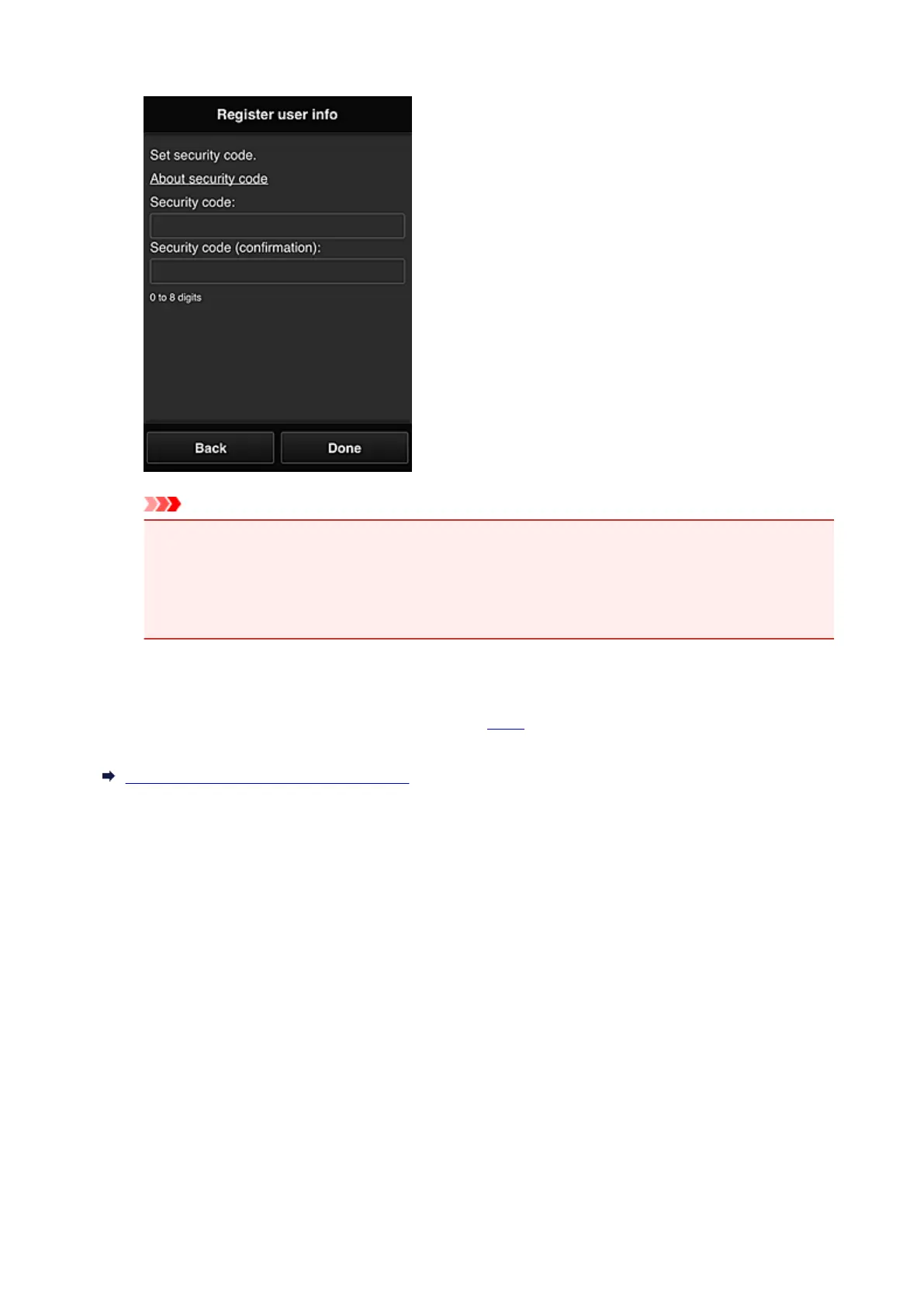
Enter the code for authenticating the user.
Important
• You can register to this service without setting a Security code. However, from the viewpoint of
security, we recommend that you set a Security code.
• The Security code entry field has the following character restrictions:
• Up to 8 single-byte numbers
The registration is complete. A registration completion message is displayed.
When you select the OK button in the message, the login screen is displayed.
Enter the registered e-mail address and password, and log in to the Canon Inkjet Cloud Printing Center.
Using Canon Inkjet Cloud Printing Center
50














 To Next Page