(5) Notices area
This displays the latest notice. Nothing is displayed in this area if there is no notice.
When you select Notice list, you can display up to 40 items.
(6) Information area
This display other information, including the privacy statement and other companies' licensing
information.
(7) Global navigation area
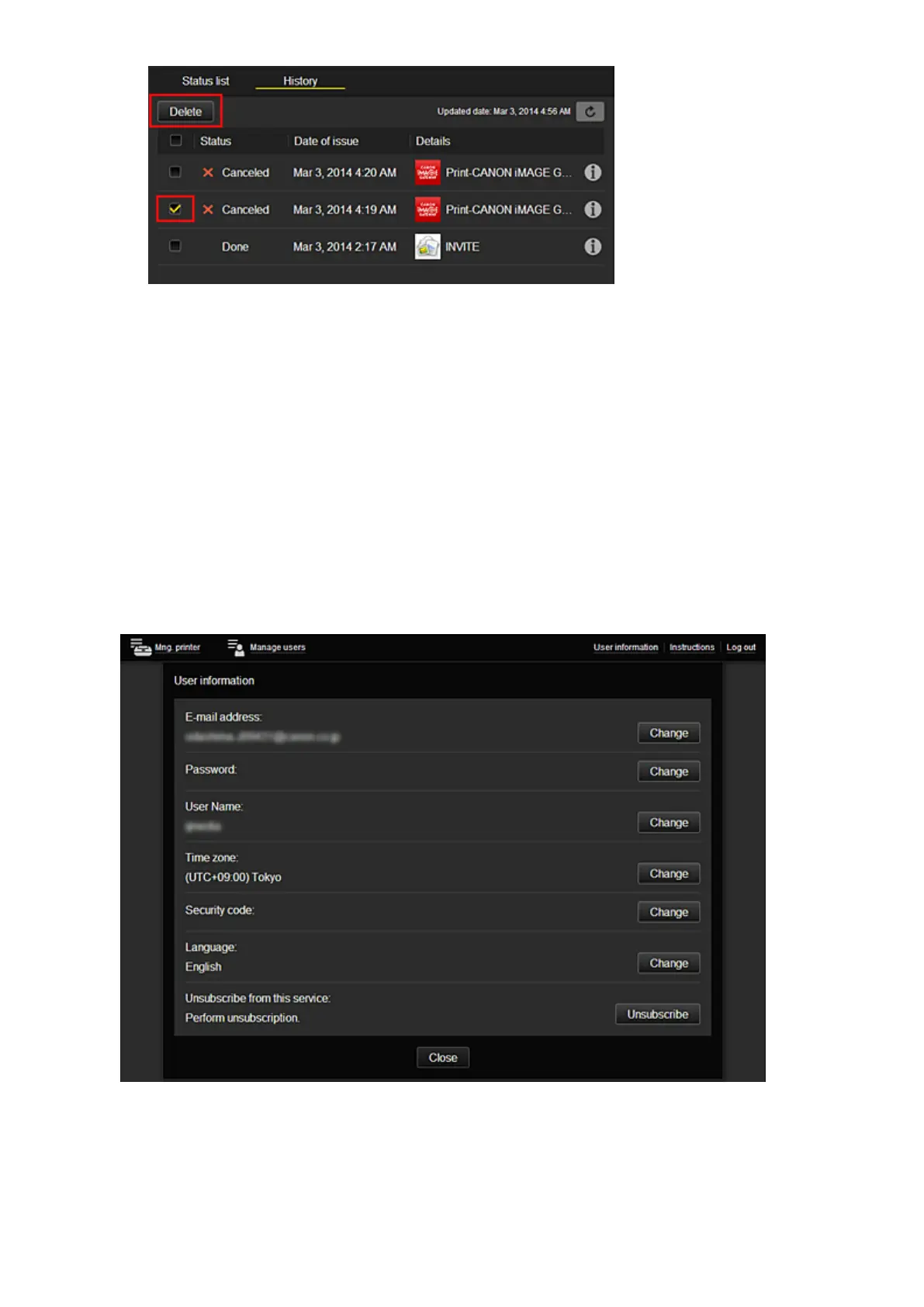
The User information*, Instructions*, and Log out* buttons are displayed.
Press the User information to change the settings.
(8) Display area
The display changes based on the menu you select.
66














 To Next Page