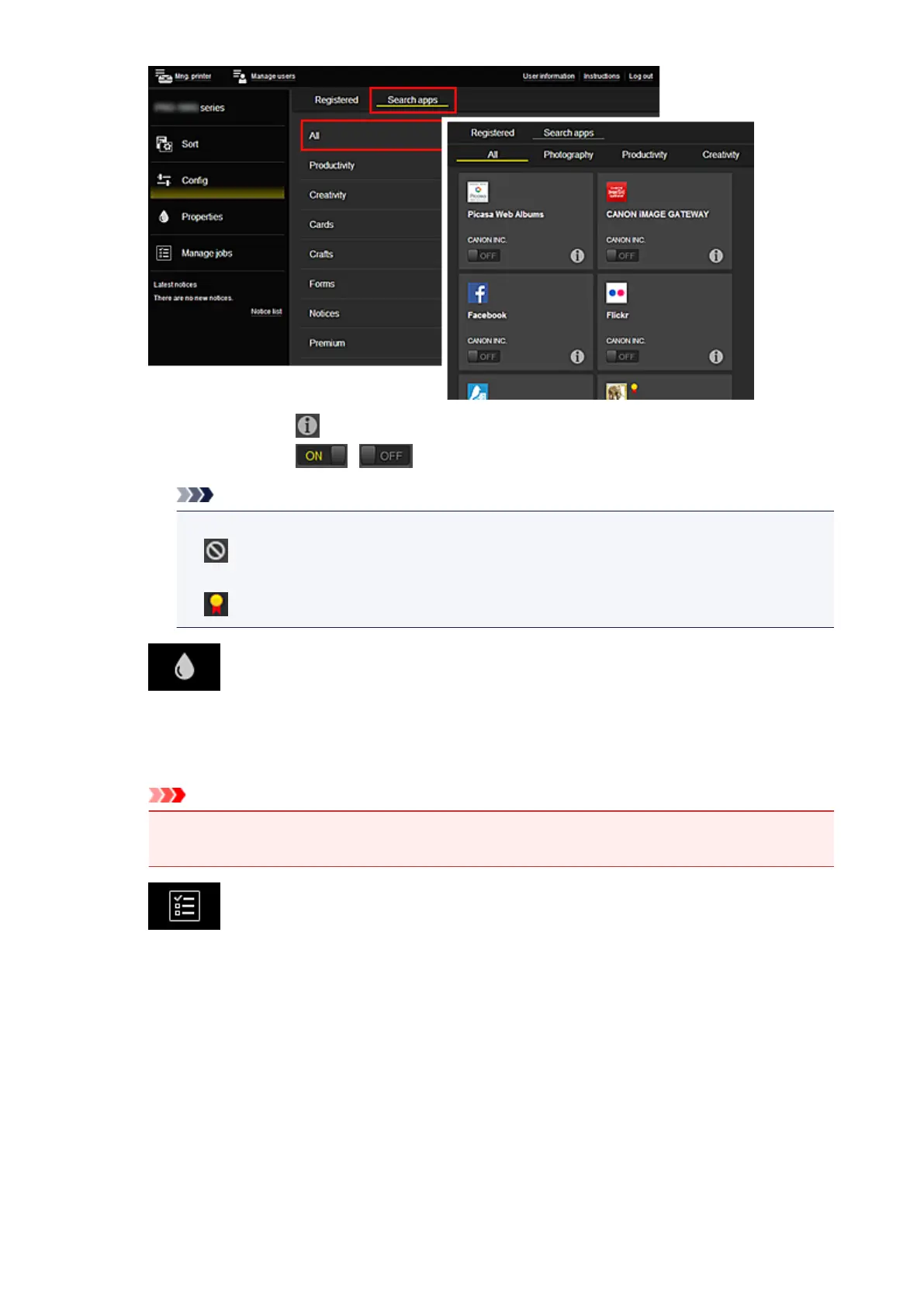
◦ When you select , the details of the app are displayed.
When you select / , you can choose to register or unregister the app.
Note
• Description of displayed icons
: Cannot be used because it is not yet released, not available in your region, or does
not support your model.
: Can be used with genuine Canon ink.
• Properties*
This screen displays the status of the printer that is currently selected.
You can check how much ink is remaining or details about an error that occurred. You can also
access the ink purchasing site and the Online Manual.
Important
• The Properties displayed may differ from the actual status at the display time, depending on
the printer status.
• Manage jobs*
This screen displays the print or scan status and history.
You can check the print or scan status by looking at Status list, and the print or scan history by
looking at History.
You can also cancel print or scan jobs and delete history information.
To cancel or delete a job, select that job and then select Cancel or Delete.
65














 To Next Page