The Administrator can change the printer name from the Mng. printer screen of the Mng. printer
button.
(4) Menu area
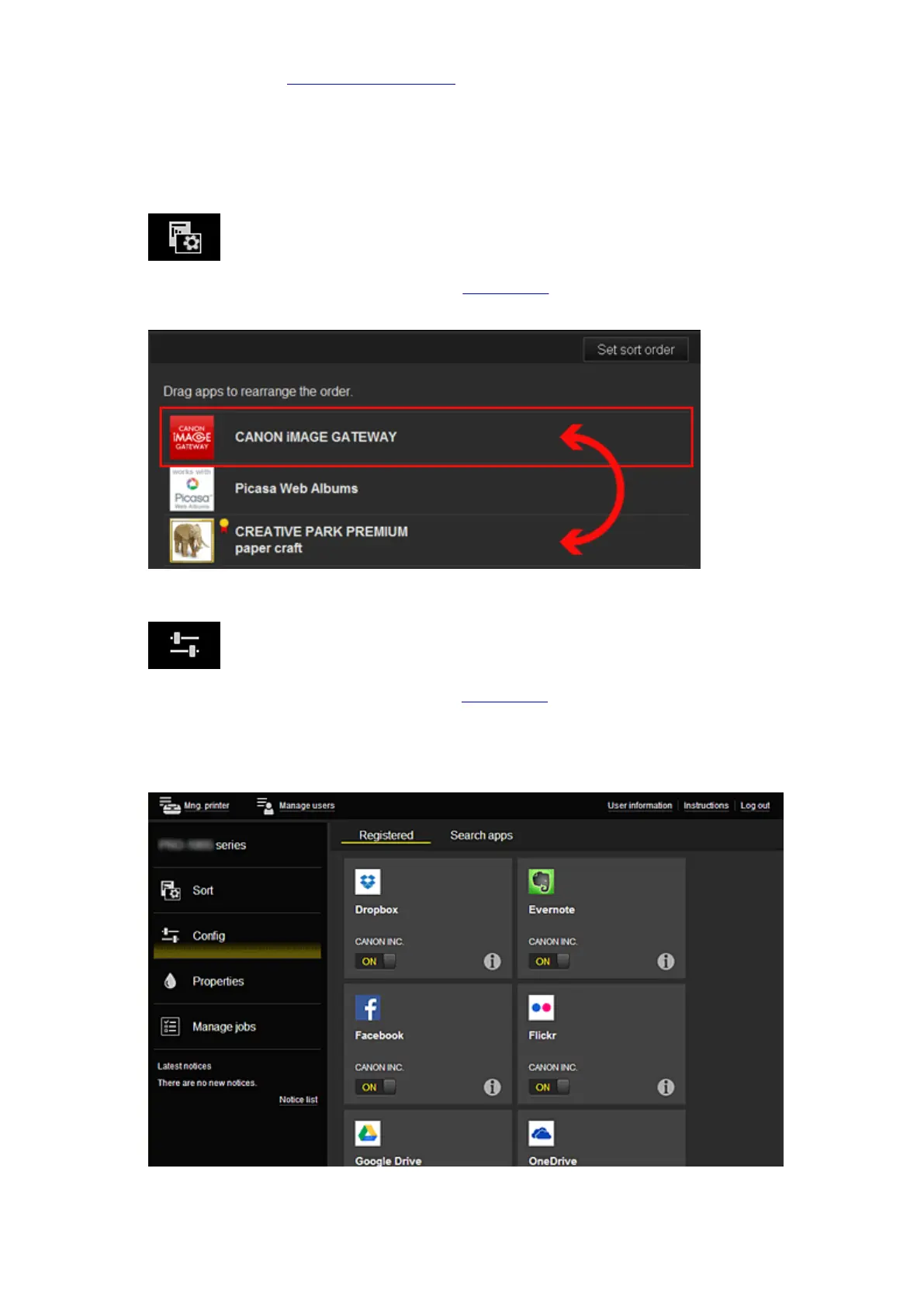
The following 4 menu buttons are displayed:
•
Sort (Apps) (Administrator only)
This displays the list of registered apps in the Display area.
Drag the app to change the order.
When you finish sorting, press the Set sort order button and confirm the order.
• Config (Administrator only)
This displays the Register apps screen in the Display area.
The display can be toggled between Registered and Search apps.
The Registered screen lists registered apps.
You can check the information of these apps or deregister them.
On the Search apps screen, the apps that you can register by using the Canon Inkjet Cloud
Printing Center are displayed by category.
64














 To Next Page