3. Enter the e-mail address of the user to be added, and then select OK
The URL for completing the registration is then sent to the entered e-mail address.
4. Access the URL reported in the e-mail
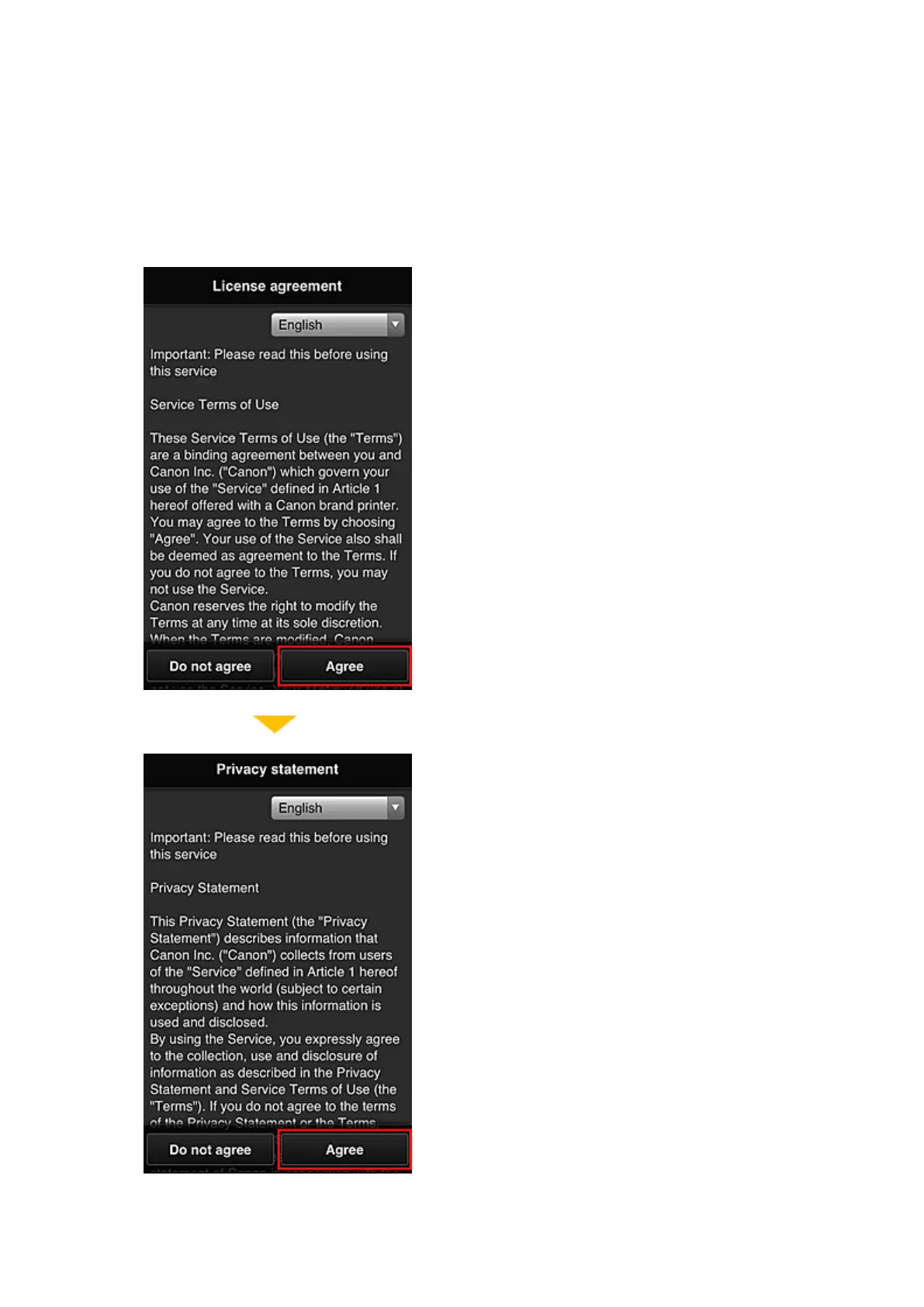
5. Read the terms displayed in the License agreement and Privacy statement screens. If
you agree to the terms, select Agree.
6.
In the user information entry screen, enter your Password, and select Next
75














 To Next Page