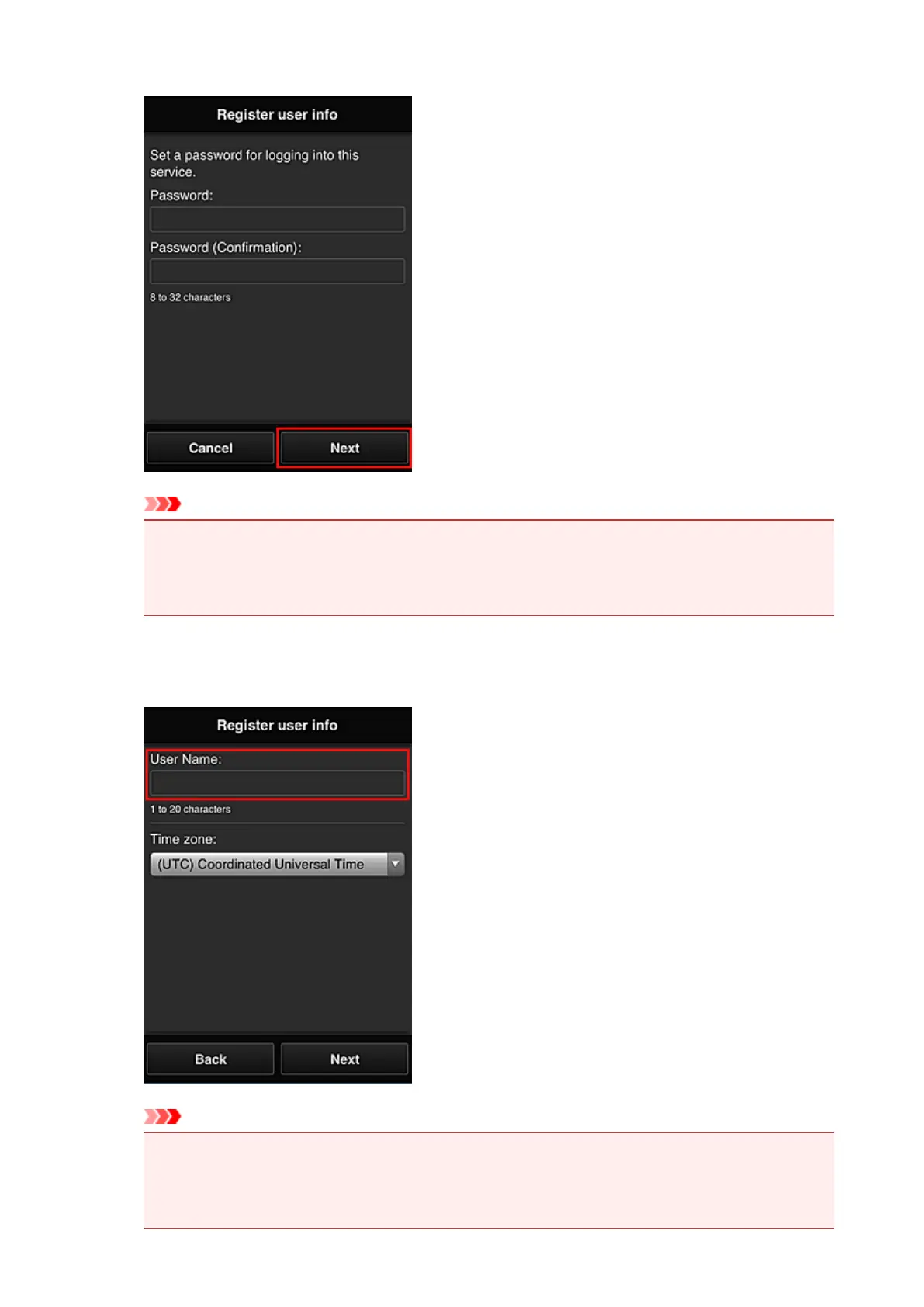
Enter your password for logging in to the Canon Inkjet Cloud Printing Center.
Important
• There are character restrictions for the Password, as shown below.
• The password must be between 8 and 32 characters long, using single-byte alphanumeric
characters and symbols (!"#$%&'()*+,-./:;<=>?@[\]^_`{|}~). (Alphabets are case-sensitive)
7.
Enter the User Name
Enter the name that identifies the user.
Important
•
The User Name entry field has the following character restrictions:
•
The user name must be between 1 and 20 characters long, using single-byte alphanumeric
characters and symbols (!"#$%&'()*+,-./:;<=>?@[\]^_`{|}~). (Alphabets are case-sensitive)
76














 To Next Page