9
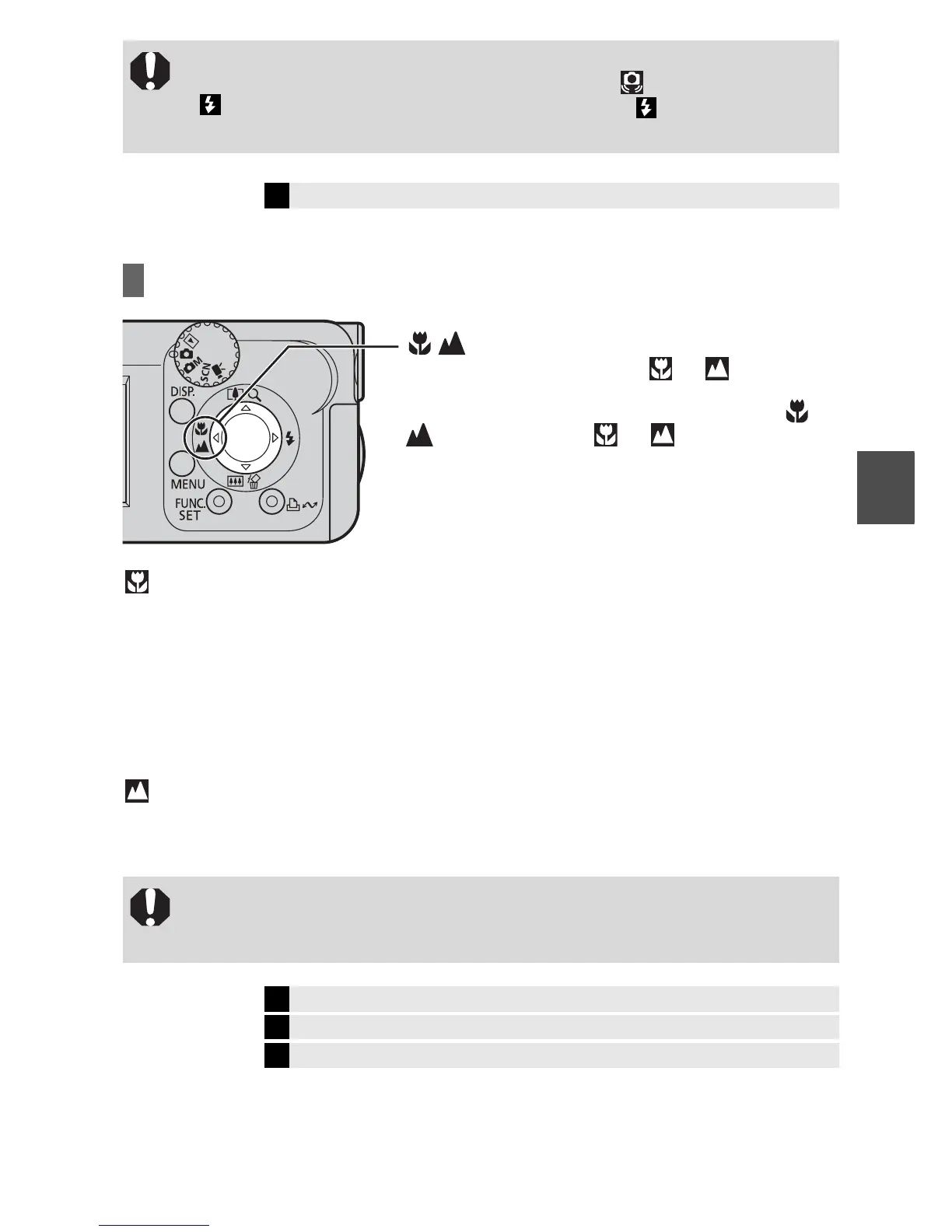
Shooting Close-Ups/Infinity Shots
(Macro): Use this mode to shoot close-ups of flowers or small items.
Image area at minimum shooting distance from end of lens to subject:
Maximum wide angle setting: 52 × 39 mm (2.0 × 1.5 in.)
(Minimum shooting distance: 5 cm (2.0 in.))
Maximum telephoto setting (PowerShot A430) : 64 × 48 mm (2.5 × 1.9 in.)
(Minimum shooting distance: 25 cm (9.8 in.))
Maximum telephoto setting (PowerShot A420) : 75 × 56 mm (3.0 × 2.2 in.)
(Minimum shooting distance: 25 cm (9.8 in.))
(Infinity): Use this mode to record subjects 3 m (9.8 ft.) away or more. Also use
this mode for compositions combining both near and distant objects.
z You are recommended to shoot with the camera attached to a tripod or
other device if the camera shake warning icon appears.
z blinks while recharging. You can shoot after lights without
blinking.
Î
See the Advanced Guide: Functions Available in Each Shooting Mode (p. 112)
z Use the LCD monitor to compose close-ups in macro mode since
images composed with the viewfinder may be off-center.
z Exposure may not be optimal when the flash is used in Macro mode.
Î
See the Advanced Guide: Magnified Close-Up Shooting (p. 31)
Î
See the Advanced Guide: Using the Digital Zoom (p. 32)
Î
See the Advanced Guide: Functions Available in Each Shooting Mode (p. 112)
button
When you press this button, or appears on
the LCD monitor.
To cancel the macro/infinity mode: press the
button to remove or from the display.
Shooting















 To Next Page