33
Shooting
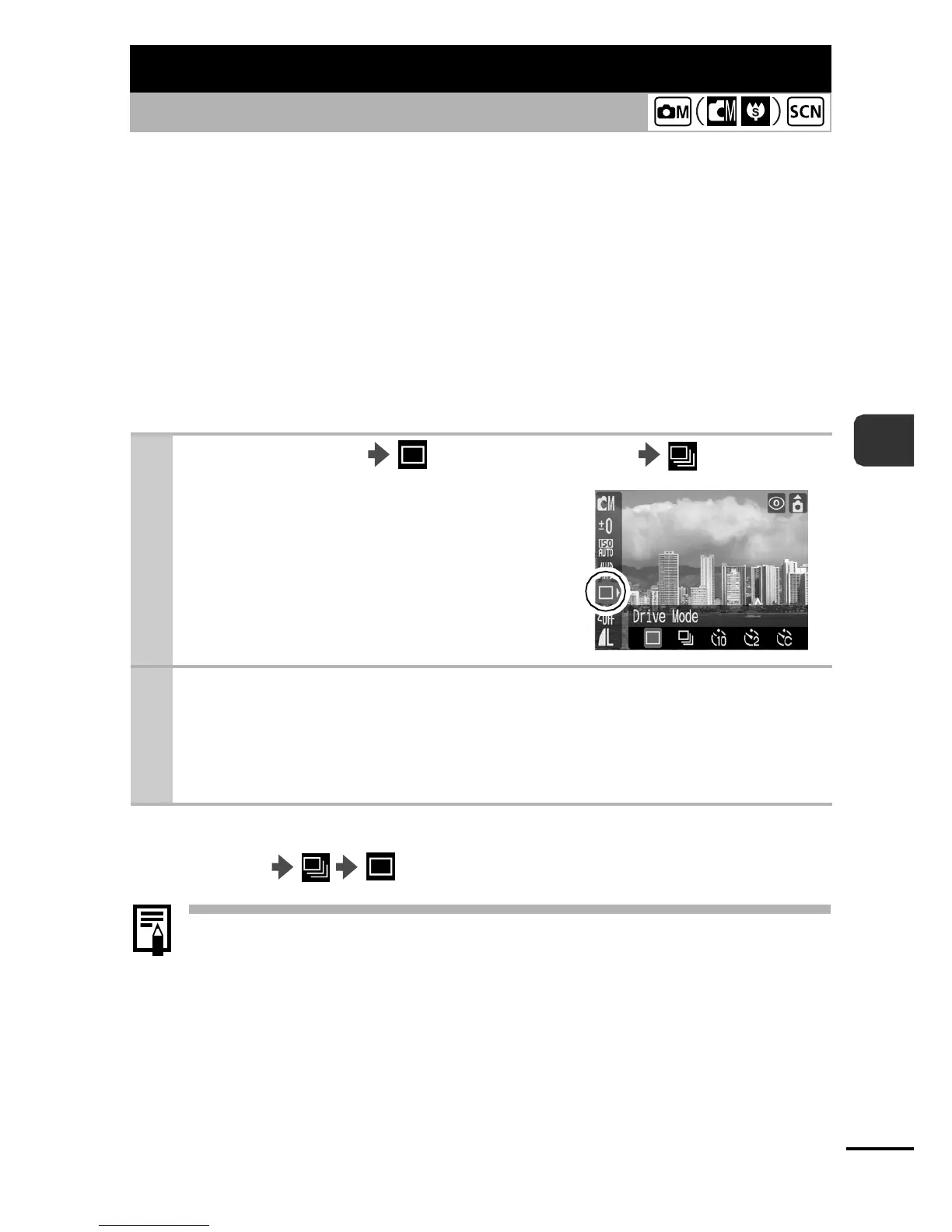
In this mode, the camera shoots continuously while the shutter
button is held down. In addition, continuous shooting is possible
(p. 102) at a consistent interval (smooth continuous shooting) with a
recommended memory card* until the memory card is full.
* A super high-speed SDC-512MSH memory card (sold separately) that has
been low level formatted (p. 29) before shooting is recommended.
zThis reflects standard shooting criteria established by Canon. Actual results
may vary according to the subject and shooting conditions.
zEven if continuous shooting suddenly stops, the memory card may not be
full.
To Cancel Continuous Shooting
FUNC. Menu .
z The interval between shots may lengthen if the internal
memory becomes full.
z If the flash fires, the interval between shots may lengthen.
Continuous Shooting
Shooting Mode
1
FUNC./Menu * (Drive Mode) .
See Menus and Settings (p. 21).
* Default setting.
2
Shoot.
zThe camera will continue to record successive images while
the shutter button is held down. Recording will cease when
the shutter button is released.















 To Next Page