53
Shooting
Raise the ISO speed when you wish to reduce the effects of camera
shake, turn the flash off when shooting in a dark area, or use a fast
shutter speed.
2
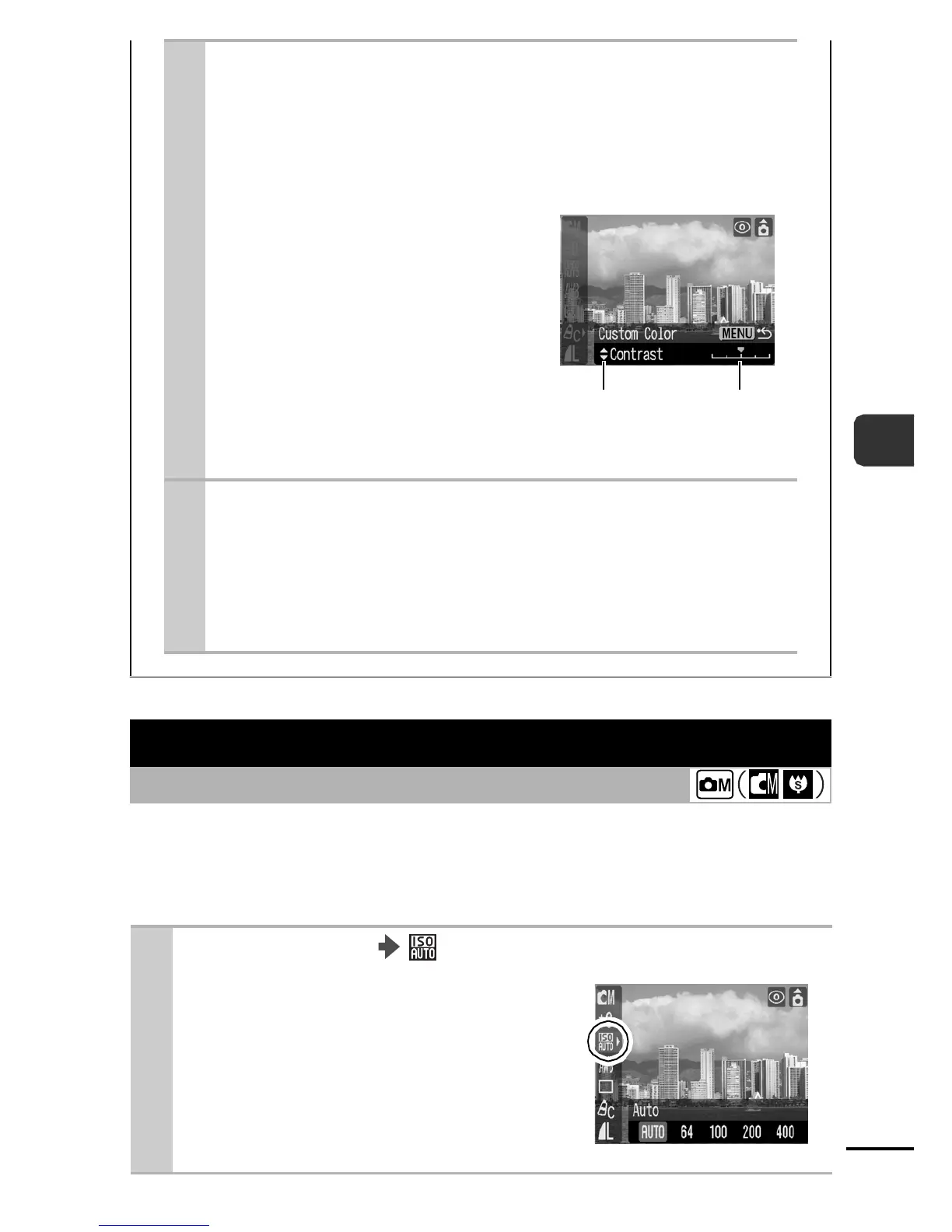
Use the S or T button to select
[Contrast], [Sharpness], [Saturation],
[Red], [Green], [Blue], or [Skin Tone]
and the
W or X button to adjust the
color balance.
zThe altered color will
display.
3
Press the FUNC./SET button.
zThis completes the setting.
zIf you press the Menu button at this point, you will
return to the screen where you can select a My
Colors mode.
Adjusting the ISO Speed
Shooting Mode
1
FUNC. Menu * (ISO Speed).
See Menus and Settings (p. 21).
zUse the W or X button to select an
ISO speed and press the FUNC./
SET button.
zThe AUTO setting selects the
optimal speed.
* Default setting.
Select an
item to
adjust.
Adjust the
selected
item.















 To Next Page