14
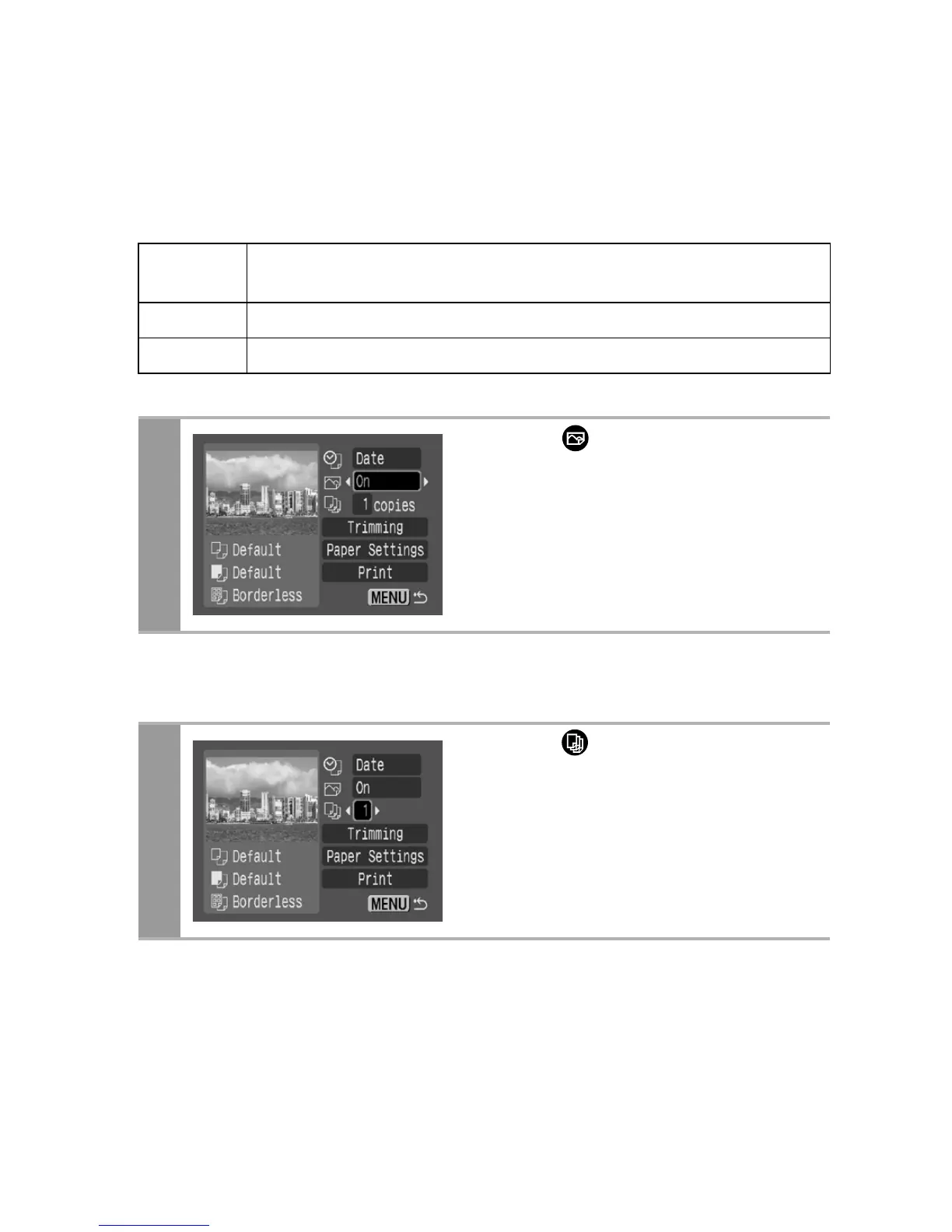
Setting the Print Effect
This function uses the camera’s shooting information to optimize
the image data, yielding high quality prints. You can select the
following print effects.
Setting the Number of Copies
On
Uses the camera’s shooting information to deliver optimum
prints.
Off Prints without any effects.
Default Print settings differ according to your printer model.
1
Select [ ] and choose a
print effect option.
1
Select [ ] and set the
number of prints.
1 to 99 copies can be set.















 To Next Page