17
Before Using the Camera—Basic Operations
z If the indicator blinks orange and the camera shake icon
displays, it may indicate slow shutter speed due to
insufficient lighting. Increase the ISO speed (p. 53), select a
setting other than (Flash off), or attach the camera to a
tripod or other device.
z During shooting, you can display a grid to help you
determine if your camera is level (p. 24).
Playback Mode
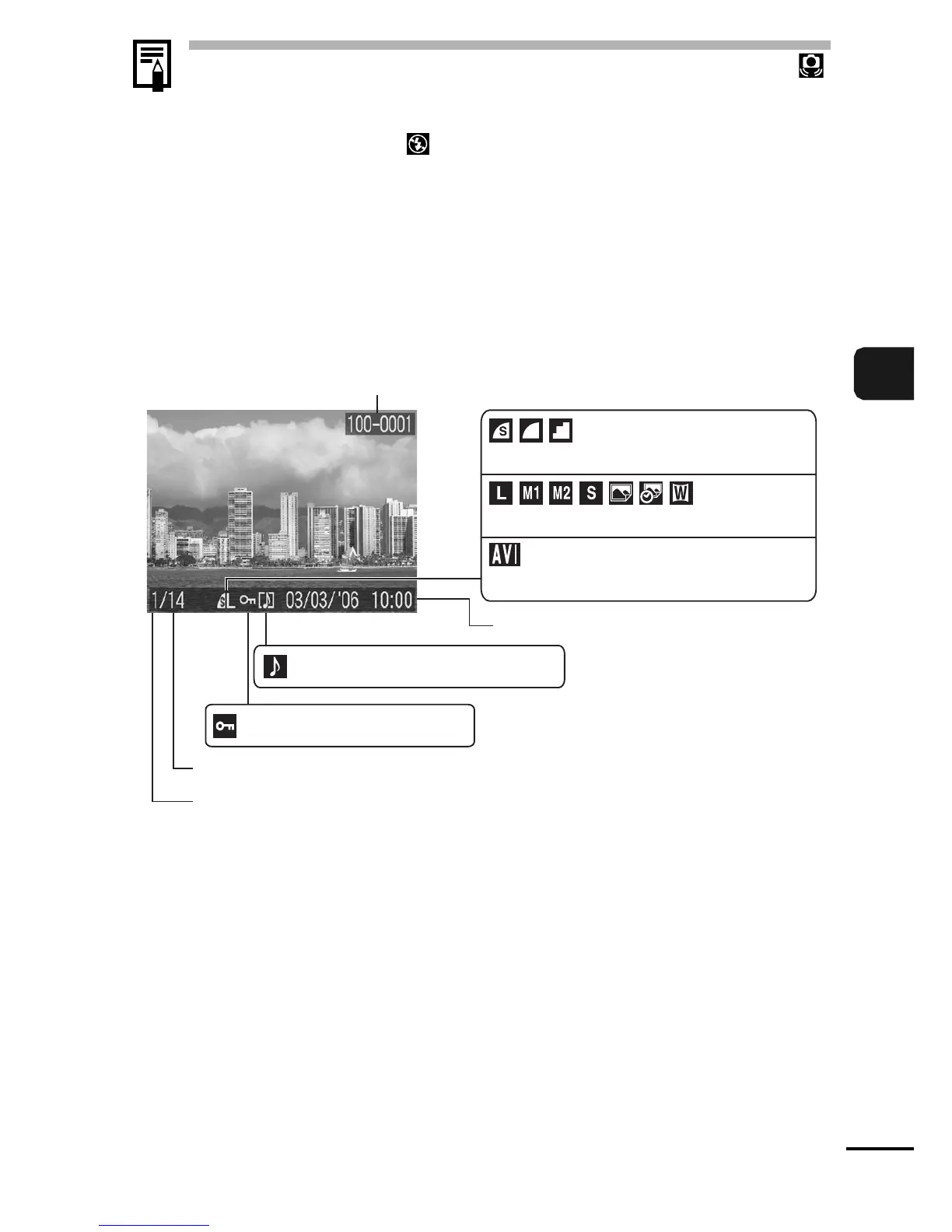
Standard
Protection Status (p. 64)
Folder Number-File Number
Shooting Date/Time
Displayed image number
Total number of images
Recording Pixels (Still image) (p. 30)
Movie (p. 37)
WAVE Format Sound (p. 18)
Compression (Still image) (p. 30)















 To Next Page