60
Operating the Movie Control Panel
z Use the television's controls to adjust the volume
when playing a movie on a TV set (p. 71).
z
The sound cannot be played in slow motion
playback.
You can delete portions of recorded movies.
Exit (Single image playback)
Print (Only appears when connected to a printer. For details,
refer to your Direct Print documentation.)
Play
Slow Motion Playback (You can use the
W
button to slow down or the
X
button to speed up playback.)
Displays the first frame
Previous Frame (Rewinds if the
FUNC./SET
button is held down)
Next Frame (Fast Forwards if the
FUNC./SET
button is held down)
Displays the last frame
Edit (Switches to movie editing mode) (p. 60)
Editing Movies
Protected movies and movies 1 second or less in duration
cannot be edited.
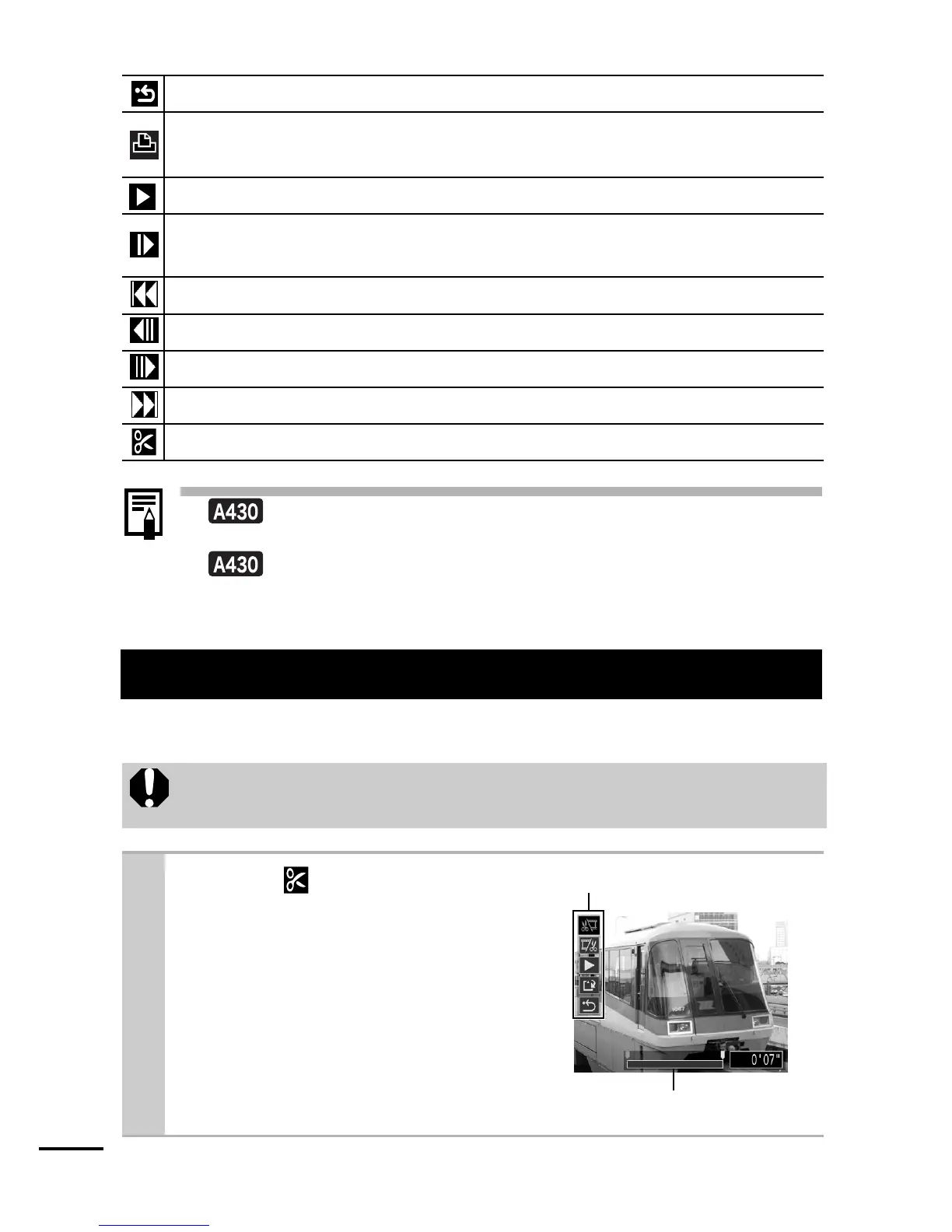
1 Select
(Edit) in the
movie control panel and
press the FUNC./SET
button.
zThe movie editing panel and the
movie editing bar will display.
Movie Editing Bar
Movie Editing Panel















 To Next Page