Windows
The ZoomBrowser EX Internet Menu allows you to:
Email Images
Please refer to your Software Starter Guide for instructions
on how to email images.
View your CANON iMAGE GATEWAY Top Page
In the Task Area or from the toolbar menu, select Internet,
then select CANON iMAGE GATEWAY Top Page.
Using CANON iMAGE GATEWAY
from your ZoomBrowser EX Software
(Windows)
i)
2
ii)
iii)
9
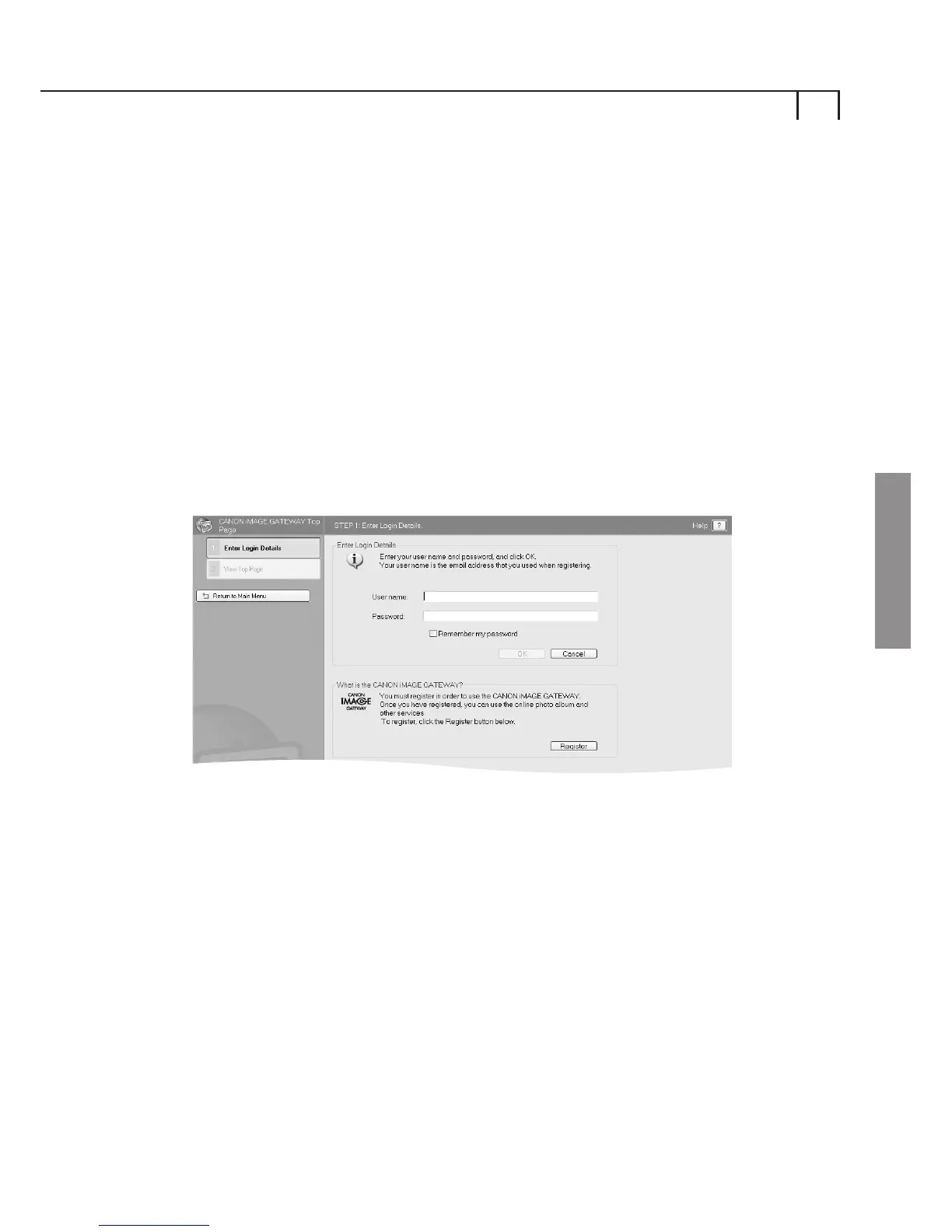
Enter Your Login Details
Enter your CANON iMAGE GATEWAY login (username and
password details that you were sent following registration)
in the boxes provided.
These details will be used in future when uploading images
from ZoomBrowser EX.
Selecting the Remember my password checkbox will enable
ZoomBrowser EX to store your CANON iMAGE GATEWAY
password so you will not need to re-enter these details each
time you wish to access CANON iMAGE GATEWAY.















 To Next Page