40
Recording Pixels/Frame Rates
Frame rates indicate the number of frames recorded or played back each
second. The higher the frame rate, the smoother the appearance of motion.
* The recording pixels/frame rate are fixed in the (Compact) mode.
z See Image Data Sizes (Estimated) (p. 103).
z See Memory Cards and Estimated Capacities (p. 102).
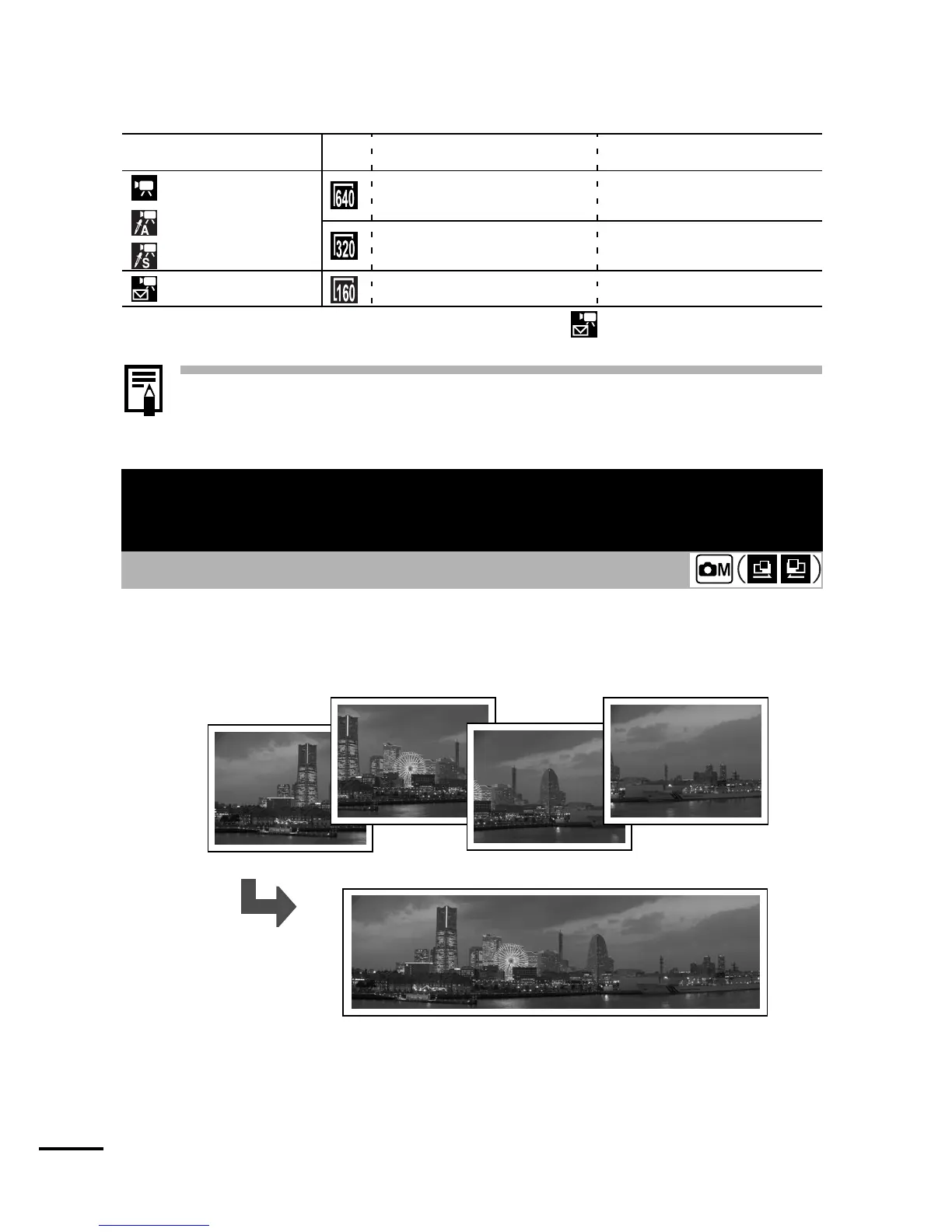
Stitch Assist can be used to shoot overlapping images that can later
be merged (stitched) to create one panoramic image on a
computer.
Recording Pixels
Frame Rate
Standard
Color Accent
Color Swap
640 × 480 pixels 10 frames/sec.
320 × 240 pixels 30 frames/sec.
Compact*
160 × 120 pixels 15 frames/sec.
Shooting Panoramic Images
(Stitch Assist)
Shooting Mode
The overlapping
seams of several
adjacent images can
be joined into a single
panoramic image.















 To Next Page