59
Playback/Erasing
To Return to Single Image Playback
Press the FUNC./SET button at least 1 second.
Viewing Images in Sets of Nine
(Index Playback)
1
Display an image by
pressing the FUNC./SET
button at least 1 second.
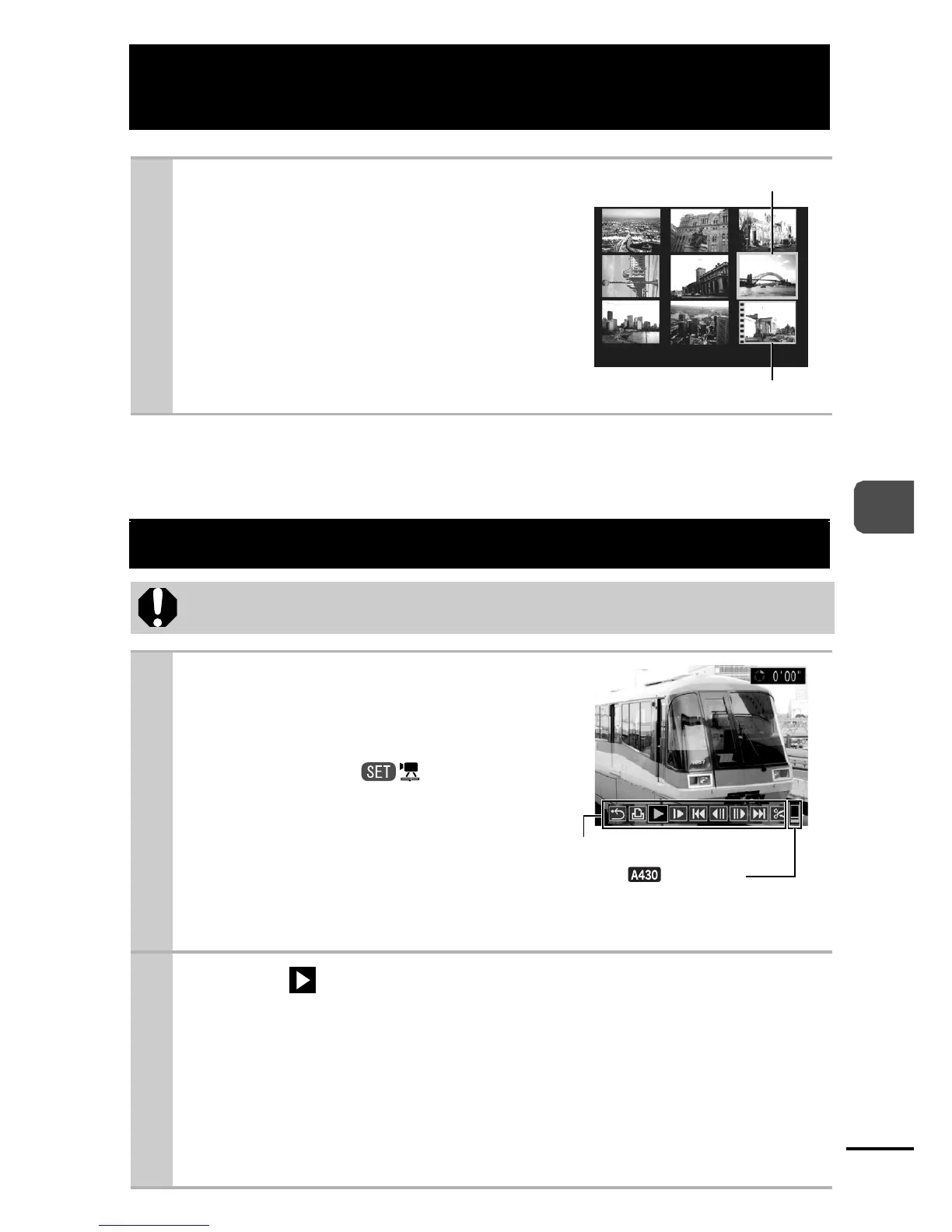
zUp to nine images can be viewed
at once in index playback.
zUse the W, X, S or T button to
change the image selection.
Viewing Movies
Movies cannot be played in the index playback mode.
1
Display a movie and
press the FUNC./SET
button.
zImages with a icon are
movies.
2 Select (Play) and press the FUNC./SET
button.
z
The movie will pause if you press the
FUNC./SET
button during
playback. It will resume when you press the button again.
zWhen playback ends, the movie stops at the last frame
displayed. Press the FUNC./SET button to display the
movie control panel.
Selected Image
Movie
Movie Control Panel
Volume
(Adjust with the S or
T button)















 To Next Page