23
T
Trim the image to specify the
print area.
See Step 2 of Setting the Printing
Area (Trimming) (p. 16 and p. 17)
on how to trim the image.
The trimming setting screen differs
depending on the camera model.
Follow the steps according to the
screen that displays on your
camera.
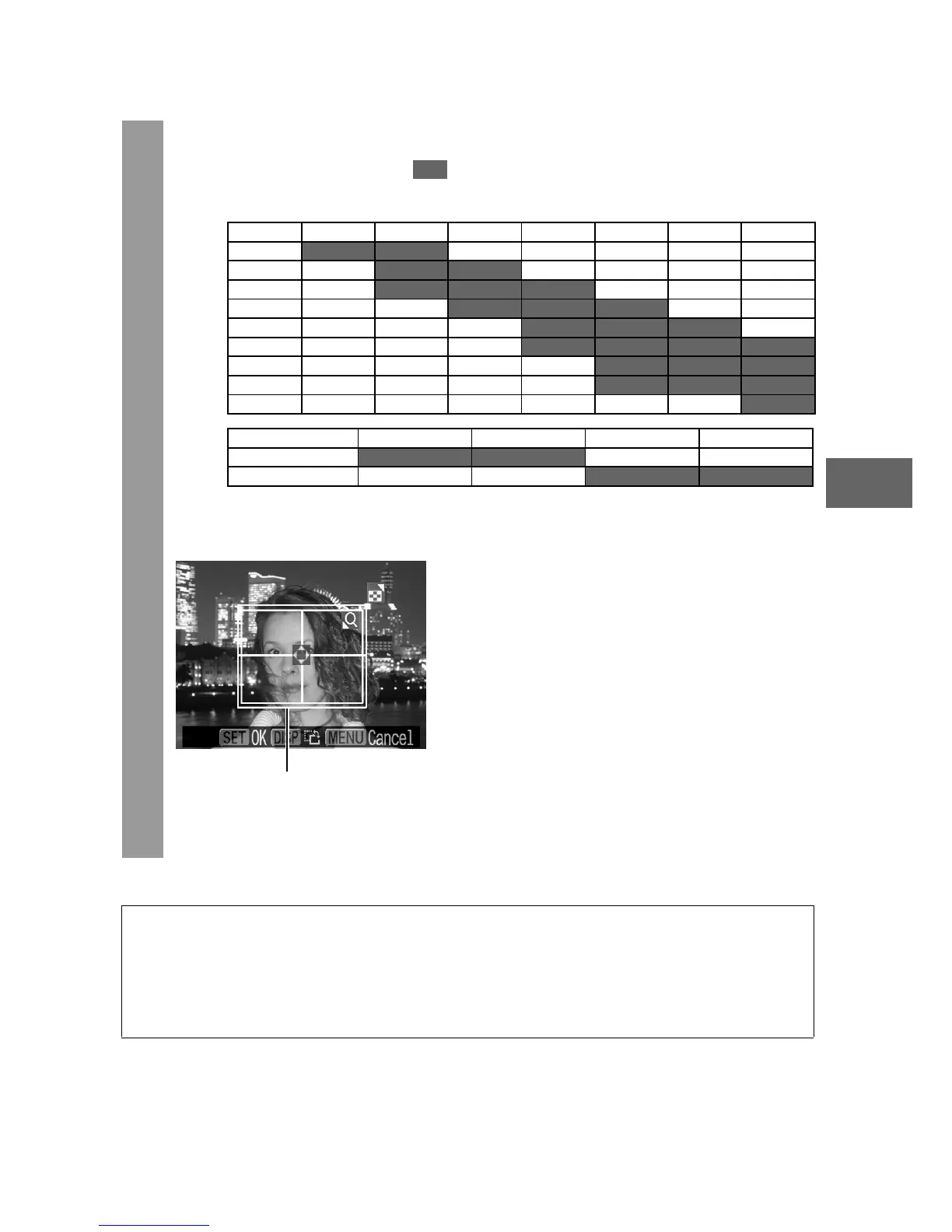
• The shape of the trimming frame varies depending on the
specified print size.
• Use the LCD monitor to specify the print size settings. The
trimming frame may not display correctly on a TV screen.
1.4 inch 1.5 inch 1.8 inch 2.0 inch
1.8 inch
2.0 inch
z Selectable combination
: Available print size
20 mm 25 mm 30 mm 35 mm 40 mm 45 mm 50 mm
25 mm
30 mm
35 mm
40 mm
45 mm
50 mm
55 mm
60 mm
70 mm
Short Side
Long Side
Trimming Frame















 To Next Page