14
Downloading Images to a Computer
The following methods can be used to download images recorded by the
camera to a computer. Some methods, depending on the OS used, may
not be available. Please read System Requirements (p. 15) in advance.
Camera to Computer Connection
Using a Memory Card Reader
A memory card reader can be used with all the operating systems listed
above. Refer to the Software Starter Guide for details.
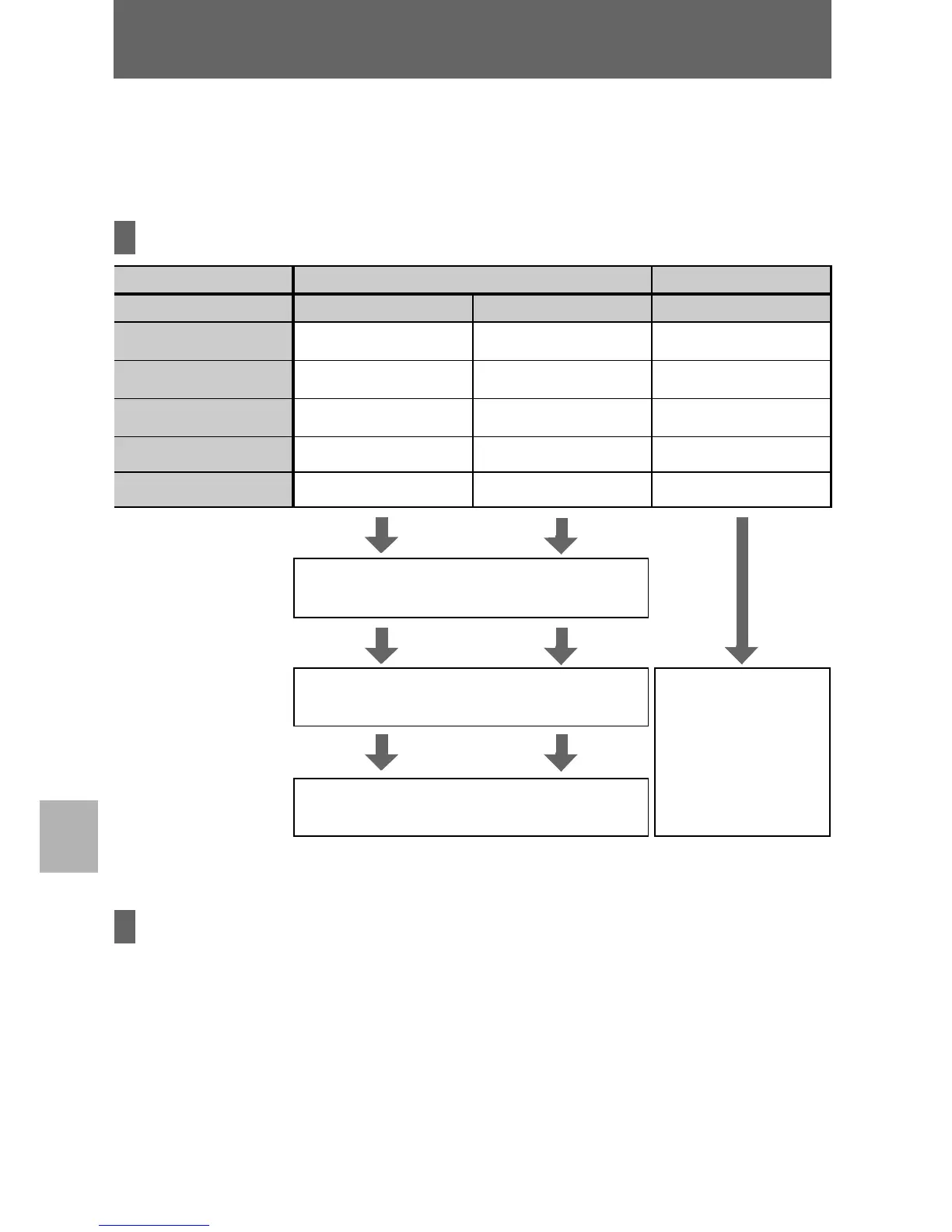
Supplied Software Install It Do Not Install It
Downloading Method
Computer Procedure Camera Procedure Computer Procedure
Windows 98 SE
zz–
Windows 2000
zz
–
Windows Me
zz
–
Windows XP
zzz
Mac OS X
zzz
Computer System
Requirements
z Basic Guide (p. 15)
z
Software Starter Guide
Connecting
the Camera to a
Computer
z Basic Guide (p. 17)
z
Windows XP and
Mac OS X Users
leaflet
Downloading Images
to a Computer
z Basic Guide (p. 18, 19)
z
Software Starter Guide
Downloading Images to a Computer















 To Next Page