35
Selecting Print Settings
Setting the Date and the File Number Printing Option
Depending on the camera model, the screens that will be
displayed will vary. Moreover, available settings differ depending
on the printer model (unavailable settings will not appear in the
menu). For details, refer to the user guide that came with your
printer.
Default Setting
• The Default option is a fixed setting of the printer.
• The [Date/File No.], [Print Effect], paper setting [Paper Size],
[Paper Type] and [Page Layout] options are available.
• On printers equipped with an operation panel, you can change
the settings for those items set to [Default] using the printer's
operation panel.
• The setting contents of the Default option differ depending on
the printer model. For details, please refer to the printer user
guide.
1
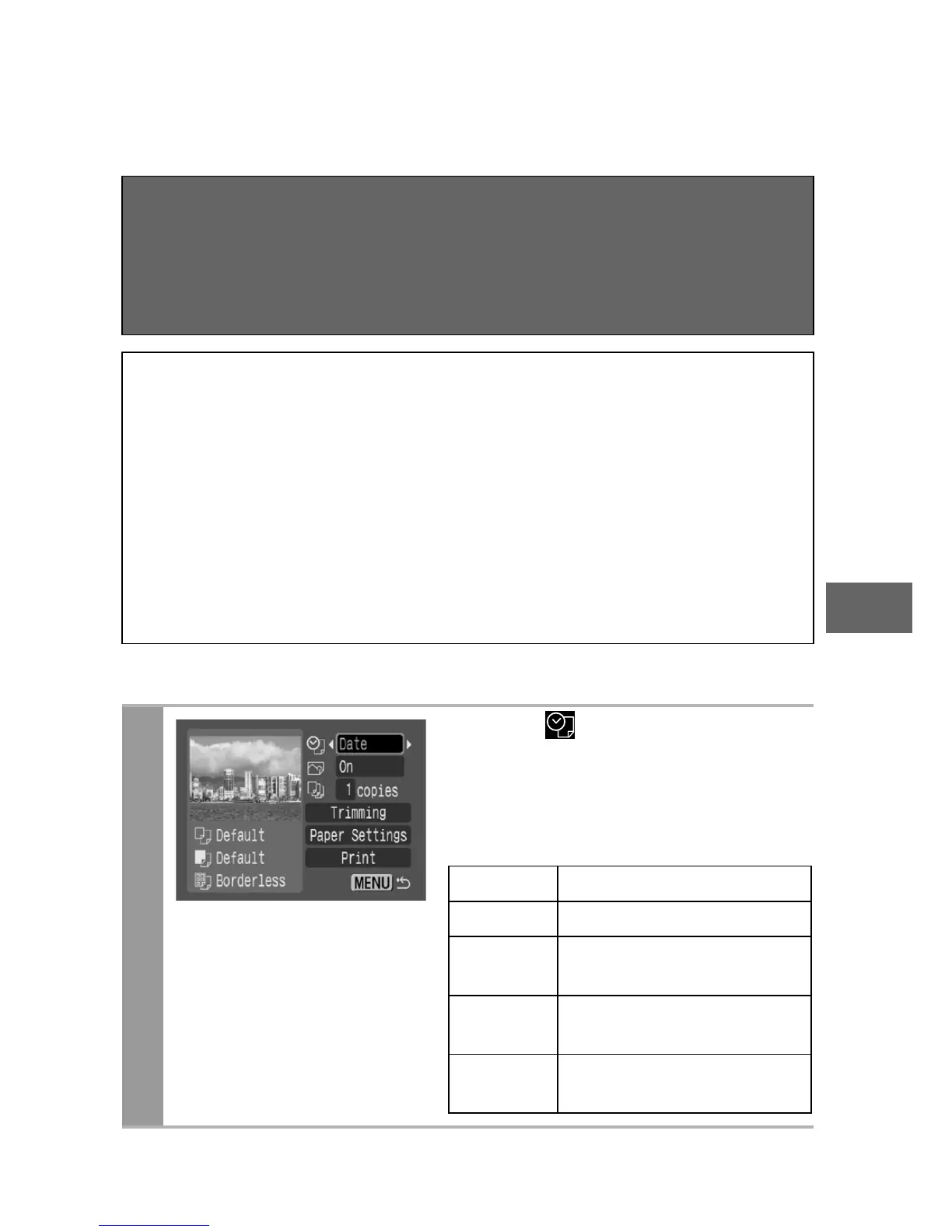
Select [ ], then select the
date and the file number
printing option.
You can set the date and the file
number printing as follows:
Date Prints the date.
File No. Prints only the file number.
Both
Prints both the date and
the file number.
Off
Prints neither date nor file
number.
Default
Prints using the default
setting.















 To Next Page