32
By combining the digital and optical zooms, you can shoot with
images zoomed.
PowerShot A430
Still images: approximately 14x max.
(Super macro: approximately 3.6x max.)
Movies (standard): approximately 7.9x max.
PowerShot A420
Still images: approximately 11x max.
(Super macro: approximately 3.6x max.)
Movies (standard): approximately 6.4x max.
- Images become coarser the more they are digitally zoomed.
- When shooting movies digital zoom can be used in (standard) only.
Using the Digital Zoom
Shooting Mode
z
The digital zoom cannot be used when the LCD monitor is turned off.
z
The digital zoom cannot be used with (Postcard Date Imprint
Mode) or (Wide) recording pixels.
1
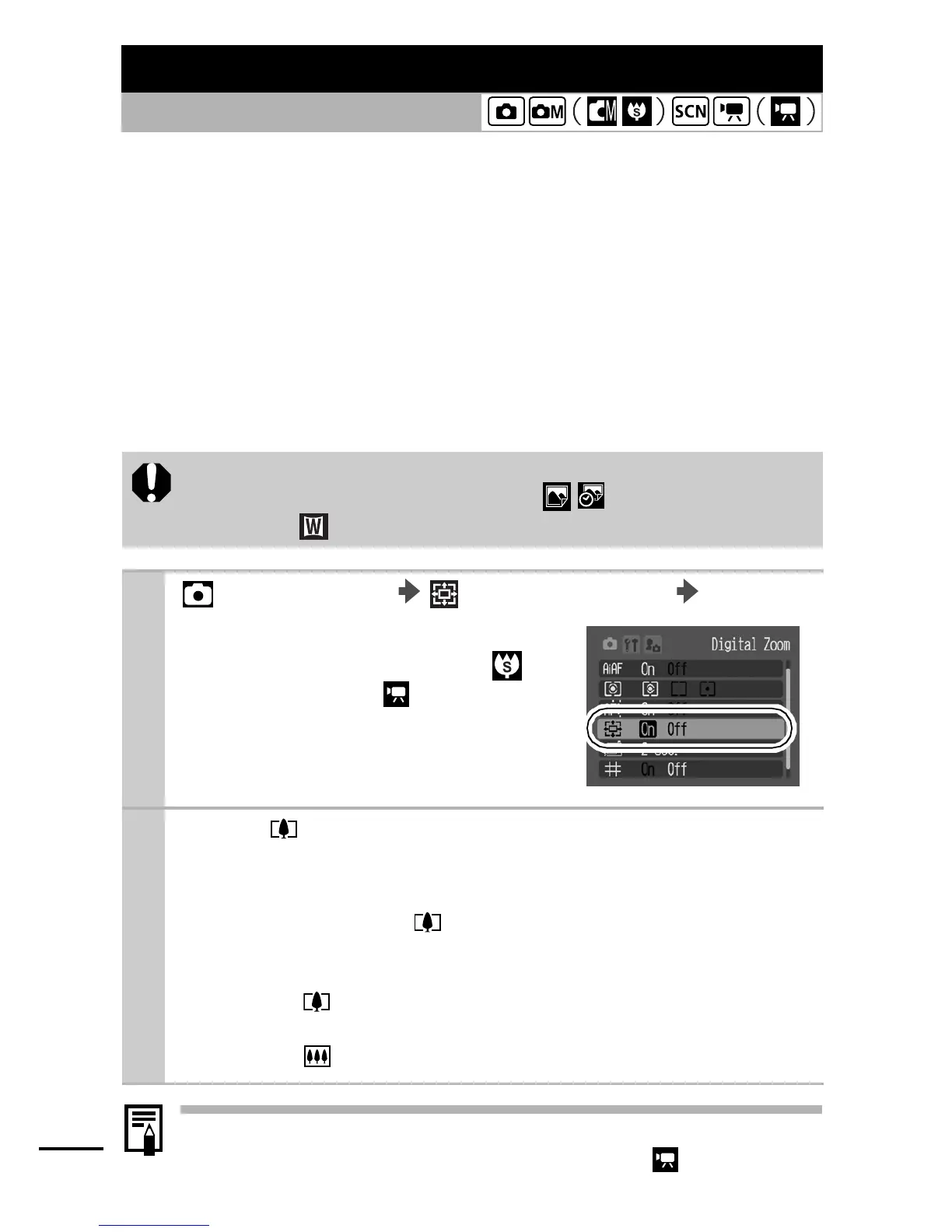
(Rec.) Menu (Digital Zoom) [On].
See Menus and Settings (p. 22).
z
[On] is the default setting for
Super Macro and Movie
(standard).
2
Press button and shoot.
zThe combined digital and optical zoom setting will display in
the LCD monitor.
zWhen you press the button, the zoom stops when the
lens reaches the maximum optical telephoto setting (when
shooting still images).
Press the button again to activate the digital zoom and
further zoom the image digitally.
zPress the button to zoom out.















 To Next Page