19
Before Using the Camera—Basic Operations
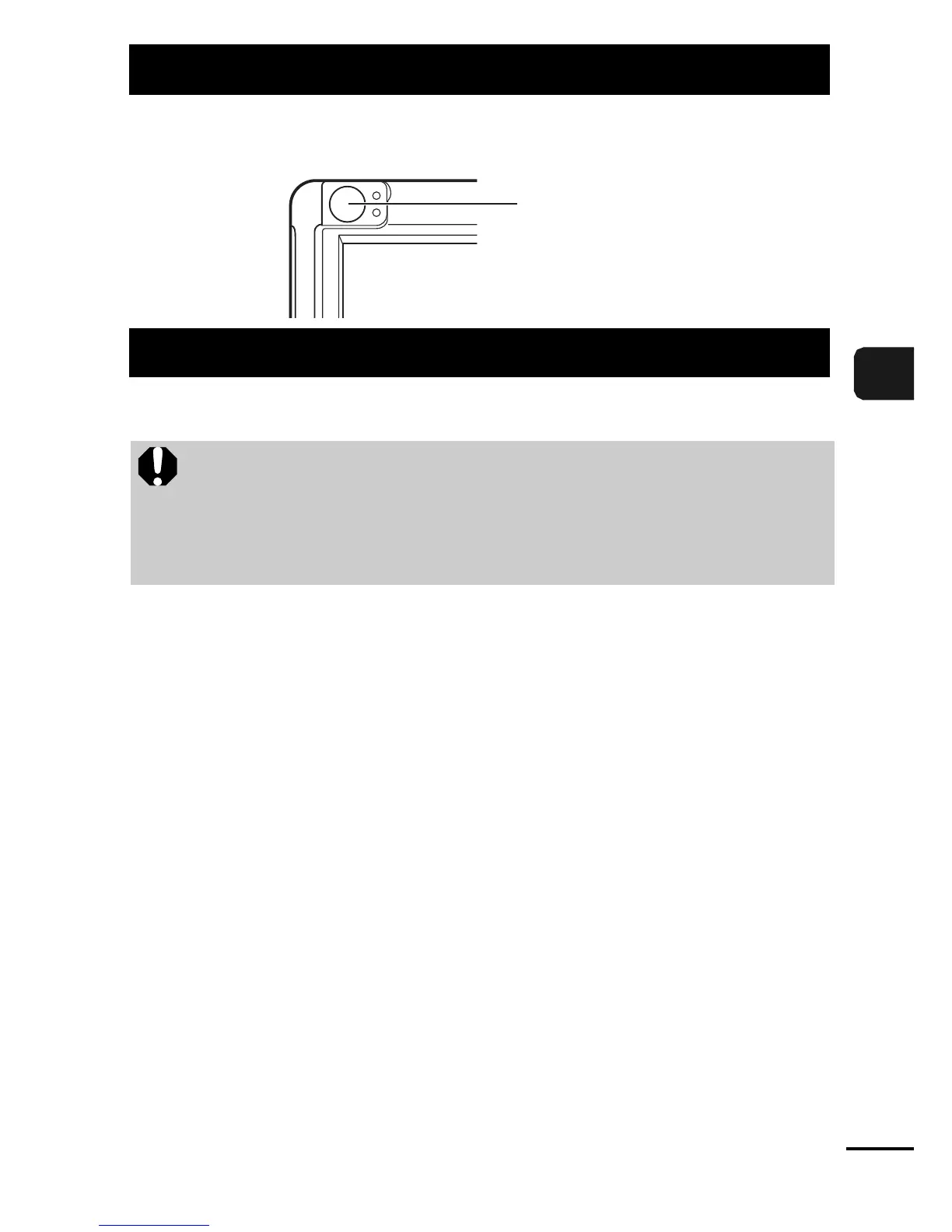
The viewfinder can be used to conserve power by turning the LCD
monitor off (p. 15) while shooting.
The indicators light or blink under the following conditions.
zUpper Indicator
Green: Ready to shoot
Blinking Green: Image recording/reading/erasing/transferring
(when connected to a computer)
Orange: Ready to shoot (flash on)
Blinking Orange: Ready to shoot (camera shake warning)/
Flash is charging
zLower Indicator
Yellow:
Macro mode/infinity mode
Blinking Yellow:
Focusing difficulty (camera beeps once)
Using the Viewfinder
Indicators
Never do the following while an indicator is lit. These actions
may corrupt image data.
- Shake or jolt the camera
- Shut off the power, or open the memory card slot/battery
cover
Viewfinder















 To Next Page